Most teams deploy vLLM and watch GPU utilisation sit at 30%. Here is what PagedAttention and continuous batching actually do to fix that, and how to run it on GPU cloud for a fraction of hyperscaler cost.
vLLM is the de facto open-source inference engine for production LLM serving in 2026, running on GPU cloud, it delivers 3–5x more throughput than a naive PyTorch inference loop on the same H100, at a fraction of hyperscaler cost.
Key takeaways
Most teams start with a model, a GPU instance, and a Python script. That works for one user. Under 10 concurrent requests, GPU utilisation drops to 30–40% and queue times spike. The fix is not bigger hardware. It is the right inference engine.
vLLM, originally built at UC Berkeley's Sky Computing Lab and now maintained by 2,000+ contributors including NVIDIA, Hugging Face, and Red Hat, solves this with two core innovations: PagedAttention and vLLM continuous batching. This vLLM tutorial walks through what those are, how to deploy vLLM on GPU cloud step by step, and how to pick the right GPU for your model size and budget.
This post is part of the packet.ai LLM inference cluster. For a full breakdown of inference cost across GPU models, see our guide to GPU cluster options on packet.ai.
Standard LLM inference pre-allocates a contiguous VRAM block for every request, sized to the maximum sequence length. On a workload with variable prompt lengths, 60–80% of that allocation sits empty. GPU utilisation hovers around 30–40% at moderate request rates, even on an H100.
vLLM solves this with two techniques that compound on each other.
PagedAttention applies OS virtual memory paging to KV cache management. Rather than one contiguous block per request, it divides VRAM into fixed-size 16-token blocks and allocates them on demand. Logical block tables map each request's attention positions to non-contiguous physical blocks. The result: memory waste drops by 55–80%, and the same GPU can serve significantly more concurrent requests. On an 80 GB H100 running a 7B FP16 model, this is the difference between 30 concurrent requests and 100+, depending on sequence length distribution (Kwon et al., SOSP 2023).
vLLM continuous batching operates at the decode-iteration level rather than the request level. At each step, the scheduler checks the queue. When one request finishes, a new one joins the active batch immediately, with no idle slots. Static batching leaves finished slots locked until the whole batch completes; continuous batching eliminates that waste entirely.
vLLM also ships with prefix caching (automatic prefix caching, APC), which reuses KV blocks across requests that share a system prompt or few-shot prefix. For RAG pipelines and agent workflows where every request starts with the same 2,000-token context, this cuts prefill compute to near zero for repeat prefixes.
The current stable release is v0.25.1 (July 2026). It requires Python 3.10–3.14 and an NVIDIA GPU with compute capability 7.0 or above (Volta and later: V100, T4, A100, H100, H200, B200, RTX 6000 Pro).
TGI is no longer a real option. Hugging Face moved TGI to maintenance mode in December 2025 and now contributes directly to vLLM and SGLang. TGI accepts minor patches and documentation fixes, but no new features are coming. The 2026 decision is vLLM versus SGLang.
The practical split: use vLLM for 70B+ models, broad architecture support, and the largest community. Use SGLang when your workload is prefix-heavy (RAG, agent frameworks, multi-turn chat), where RadixAttention outperforms vLLM APC by 29% on 8B models. On 70B+ models, the gap narrows to 3–5%, within noise for most production deployments.
vLLM installs via pip. On packet.ai instances, CUDA 12.4 and Python 3.11 are pre-installed. The full install takes 3–5 minutes.
# Install vLLM (packet.ai instances run CUDA 12.4)
pip install vllm

# Verify installation and GPU detection
python -c "import vllm; print(vllm.__version__)"
nvidia-smi  # Confirm GPUs are visible
If you need a specific version to match CUDA 12.4:
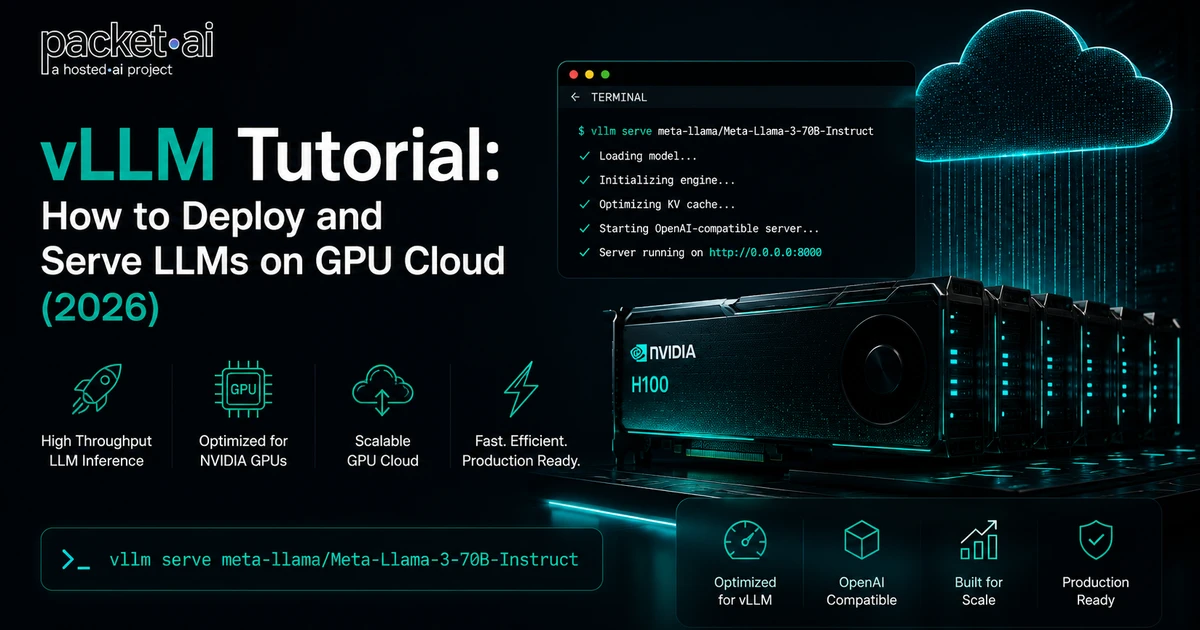
pip install vllm==0.25.1 --extra-index-url https://download.pytorch.org/whl/cu124The simplest vLLM deployment is the vllm serve command, which starts an OpenAI-compatible HTTP server on port 8000.
# Serve Llama 3.1 8B on a single GPU (RTX 4090, L40S, or H100)
vllm serve meta-llama/Meta-Llama-3.1-8B-Instruct \
  --host 0.0.0.0 \
  --port 8000 \
  --max-model-len 8192

# Test with curl
curl http://localhost:8000/v1/chat/completions \
  -H "Content-Type: application/json" \
  -d '{
    "model": "meta-llama/Meta-Llama-3.1-8B-Instruct",
    "messages": [{"role": "user", "content": "Hello"}]
  }'
For gated Hugging Face models (Llama, Mistral), set your token first:
export HUGGING_FACE_HUB_TOKEN=hf_yourtoken
vllm serve meta-llama/Meta-Llama-3.1-8B-InstructFor models that exceed single-GPU VRAM, vLLM uses tensor parallelism to split layers across GPUs within the same node.
# 70B at FP8 on 2x H100 SXM (tensor parallel, NVLink)
vllm serve meta-llama/Meta-Llama-3.1-70B-Instruct \
  --tensor-parallel-size 2 \
  --dtype fp8 \
  --max-model-len 32768

# 70B at BF16 on 8x H100 (full precision, NVLink all-to-all)
vllm serve meta-llama/Meta-Llama-3.1-70B-Instruct \
  --tensor-parallel-size 8 \
  --dtype bfloat16 \
--max-model-len 65536Quantisation reduces model weight precision to fit more model into VRAM and increase throughput at the cost of a small quality trade-off.
# FP8 on H100/H200 (recommended default)
vllm serve meta-llama/Meta-Llama-3.1-70B-Instruct \
  --dtype fp8

# AWQ for smaller GPUs (RTX 4090, L40S)
vllm serve TheBloke/Llama-2-70B-Chat-AWQ \
  --quantization awq \
--dtype float16vLLM’s HTTP server is a drop-in OpenAI API replacement. Any code using the OpenAI Python SDK works without modification by pointing base_url at your vLLM instance.
from openai import OpenAI

client = OpenAI(
    base_url="http://YOUR_GPU_IP:8000/v1",
    api_key="not-needed",  # vLLM does not require auth by default
)

response = client.chat.completions.create(
    model="meta-llama/Meta-Llama-3.1-8B-Instruct",
    messages=[{"role": "user", "content": "Explain PagedAttention."}],
    max_tokens=200,
    temperature=0.7,
)
print(response.choices[0].message.content)
Streaming responses work identically to the OpenAI API by passing stream=True.
GPU choice is the dominant cost variable in self-hosted inference. The GPU hourly rate directly sets the floor for cost per million tokens. At high utilisation, a 50% difference in GPU price translates to a 50% difference in CPM.
Browse GPU options and current pricing at packet.ai GPU clusters. Individual GPU pages: H100 SXM, H200 SXM, B200 SXM.
Last reviewed: July 23, 2026. Deploy vLLM on H100, H200, or B200 clusters on packet.ai. Browse available GPU clusters or check current pricing at packet.ai H200 and packet.ai B200.
Same models. Same API. Fraction of the cost. Start free — no credit card required.
Start building →