The GPU virtualization penalty is under 4 percent. So why do teams still pay a premium for bare metal? The answer hides in the CPU, the scheduler, and your compliance checklist.
A bare metal GPU server gives you the entire physical machine with no hypervisor and no other tenants. Benchmarks show virtualization costs as little as 2 to 4 percent of GPU performance, so the real reasons to pay the premium are CPU overhead, scheduling consistency, and compliance isolation.
Key takeaways
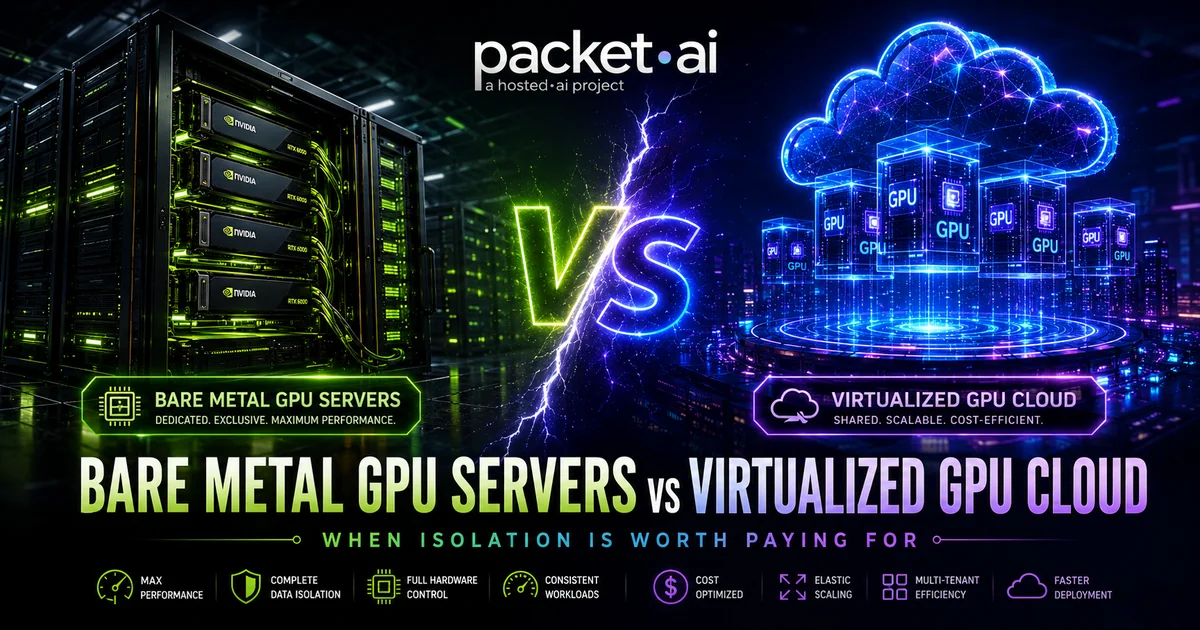
Every GPU cloud sells you the same NVIDIA silicon. What differs is how much of the machine you actually get. A bare metal GPU server hands you the whole node: every GPU, every CPU core, all the RAM, the NVMe, and the network interface, with nothing between your workload and the hardware. Virtualized GPU cloud slices that same node into pods or virtual machines and shares the non-GPU resources across tenants.
The marketing framing on both sides is unhelpful. Bare metal vendors imply virtualization wrecks performance. Virtualized clouds imply isolation is paranoia. The benchmark data says something more specific, and more useful: the GPU itself barely notices virtualization, but the rest of the machine does. This post walks through the actual numbers, the real cost math, and a decision framework you can apply to your workload.
Bare metal means single tenancy at the hardware level. You reserve a full physical node, typically 8 GPUs, and nothing else runs on it: no hypervisor, no scheduler placing other tenants' workloads, no shared CPU cores or memory bandwidth. You get root access and configure the environment however your workload needs.
On packet.ai, Bare Metal is the prepaid, fixed-term tier: one node, one price, every GPU coming online together. It sits alongside two virtualized tiers: Dedicated PODs, where the full GPU card is yours but provisioned through the platform, and Dynamic PODs, the on-demand tier where intelligent scheduling shares infrastructure to bring the hourly price down. If you need multiple bare metal nodes networked for distributed training, that is what GPU Clusters are for.
GPU virtualization is not one technique. The three approaches you will meet in practice behave very differently:
PCIe passthrough assigns the entire physical GPU to one virtual machine. The VM's driver talks to the GPU directly through the IOMMU. The GPU is not shared at all; only the CPU, RAM, network, and storage around it are virtualized. This is what most serious GPU clouds, including packet.ai pods, use for full-card instances.
vGPU (mediated passthrough) splits one physical GPU into multiple virtual GPUs by time-slicing or partitioning its resources, with the hypervisor mediating access. Multiple tenants share one card.
MIG (Multi-Instance GPU) partitions a single NVIDIA GPU (A100, H100, H200, B200 class) at the hardware level into up to seven isolated instances, each with dedicated memory slices and compute units. Isolation is stronger than time-sliced vGPU, but you get a fraction of the card.
The keyword here is what gets shared. With passthrough, your GPU is yours; contention happens on the CPU and I/O path. With vGPU and MIG, the card itself is shared. Most of the fear about "GPU virtualization overhead" conflates these three. For how packet.ai schedules workloads across this stack, see the intelligent GPU scheduling page.
The classic academic benchmark on this question tested CUDA and OpenCL workloads across hypervisors and found the GPU penalty is small.
GPU passthrough on KVM delivers 98 to 100 percent of bare metal performance, while Xen and VMware ESXi deliver 96 to 99 percent, according to the widely cited benchmark study by Walters et al.
If the story ended there, bare metal would be a compliance product and nothing more. It does not end there.
A 2025 study of ML training in virtualized clouds (MaLV-OS, arXiv) measured 13 percent average end-to-end training overhead for VMs with GPU passthrough, rising to 37 percent on preprocessing-heavy workloads running 8 GPUs.
The gap between "2 percent GPU overhead" and "13 to 37 percent end-to-end overhead" is the CPU. Data loading, tokenization, image decoding, and augmentation all run on virtualized CPU cores, and the faster your GPUs get, the more often they sit waiting for the CPU to feed them. This is the same failure mode we covered in our post on why GPU utilization metrics mislead you: the GPU looks busy while the input pipeline starves it.
Note
The overhead is workload-shaped, not universal. A GPU-bound 70B inference server with a small input pipeline sees close to zero virtualization penalty. A vision training job decoding millions of JPEGs on CPU sees the most. Profile your input pipeline before paying for isolation.
The second performance argument for bare metal is variance, not averages. On shared infrastructure, another tenant's noisy workload can affect CPU caches, memory bandwidth, and network throughput on the same host. For batch training, occasional slowdowns average out. For a customer-facing inference API, p99 latency spikes are the metric your users feel, which is why packet.ai's own dedicated GPU server tier leads with flat p99 latency and a 99.99 percent uptime SLA.
Isolation has a sticker price. Here is the honest comparison using packet.ai's live B200 pricing:
On packet.ai, a bare metal B200 node costs $5.90 per GPU-hour versus $3.75 per GPU-hour for the same B200 silicon on Dynamic PODs, a 57 percent premium for full-node isolation.
Run the monthly math on an 8-GPU B200 node at full utilization (730 hours). Bare metal: 8 GPUs at $5.90/hr comes to about $34,500 per month. Dynamic PODs: 8 GPUs at $3.75/hr comes to about $21,900. The isolation premium is roughly $12,600 per month for that node.
That premium buys real things: no hypervisor CPU tax on your input pipeline, no neighbor variance, root control, and enterprise invoicing. Whether it is worth $12,600 depends entirely on utilization. Bare metal is prepaid for a term; if the node sits at 40 percent utilization, your effective per-useful-hour cost more than doubles. Hourly virtualized capacity that you switch off costs nothing while idle. Both tiers, and everything in between, are on the packet.ai pricing page, and the full tier-by-tier breakdown for this GPU is in our B200 GPU cloud pricing guide.
For comparison, hyperscale on-demand B200 capacity has been listed in the $10 to $14 per GPU-hour range, which means even packet.ai's bare metal tier undercuts virtualized hyperscaler instances. Bare metal vs cloud is not always a premium-vs-budget choice; it depends on whose cloud.
For some teams the performance debate is irrelevant because the isolation requirement is written into a contract or a regulation. Healthcare workloads under HIPAA, payment processing under PCI DSS, government and defense data, and some financial services policies either require or strongly prefer single-tenant hardware. Auditors like bare metal because the attack surface story is simple: there is no hypervisor to compromise and no co-tenant to worry about.
Side-channel research on shared infrastructure keeps this concern alive. The practical takeaway is not that virtualized clouds are insecure; passthrough with IOMMU isolation is a mature, widely trusted design. It is that proving isolation to an auditor is dramatically easier when the answer is "nothing else runs on this machine." A dedicated GPU server with single-tenant silicon, audit support, and a DPA covers most compliance cases; full bare metal covers the strictest ones.
Most workloads, most of the time, do not need the whole machine. Virtualized GPU cloud wins on:
Utilization economics. If your GPUs are not busy more than roughly 60 to 70 percent of the time, hourly virtualized capacity is cheaper than a prepaid node, even before counting the flexibility.
Elasticity. Scaling from 1 GPU to 16 for a sweep and back down takes minutes on Dynamic PODs. A bare metal term is a fixed-size commitment.
Time to start. A pod is running in under 5 minutes. Bare metal nodes are provisioned per order.
Fault tolerance built in. Checkpointed training jobs tolerate the occasional variance of shared infrastructure without any measurable cost.
✓ Bare metal is right for
✗ Bare metal is wrong for
Three questions settle it for most teams:
1. Is isolation required on paper? If a regulation, customer contract, or security policy mandates single tenancy, the decision is made. Price the bare metal term and move on.
2. Is your workload GPU-bound or pipeline-bound? Profile it. If GPU compute dominates and the input pipeline is light, virtualization costs you 2 to 4 percent and the 57 percent bare metal premium is hard to justify. If your CPUs are saturated feeding the GPUs, bare metal's full-node CPU and RAM allocation can recover 10 to 30 percent of end-to-end throughput.
3. What is your real utilization? Above roughly 70 percent sustained for the length of a term, prepaid bare metal or a reserved dedicated GPU server wins on cost per useful hour. Below that, hourly Dynamic PODs win, usually by a lot.
The honest summary: pay for isolation when latency variance, compliance, or a saturated input pipeline is costing you more than 57 percent. Otherwise, rent the slice, not the building.
Last reviewed: July 16, 2026. Compare tiers on the packet.ai pricing page or reserve a full node on Bare Metal GPU servers.
Same models. Same API. Fraction of the cost. Start free — no credit card required.
Start Building →