One GPU handles Flux in full precision without breaking a sweat. Another runs out of memory halfway through. Here's exactly which card your ComfyUI workflow needs.
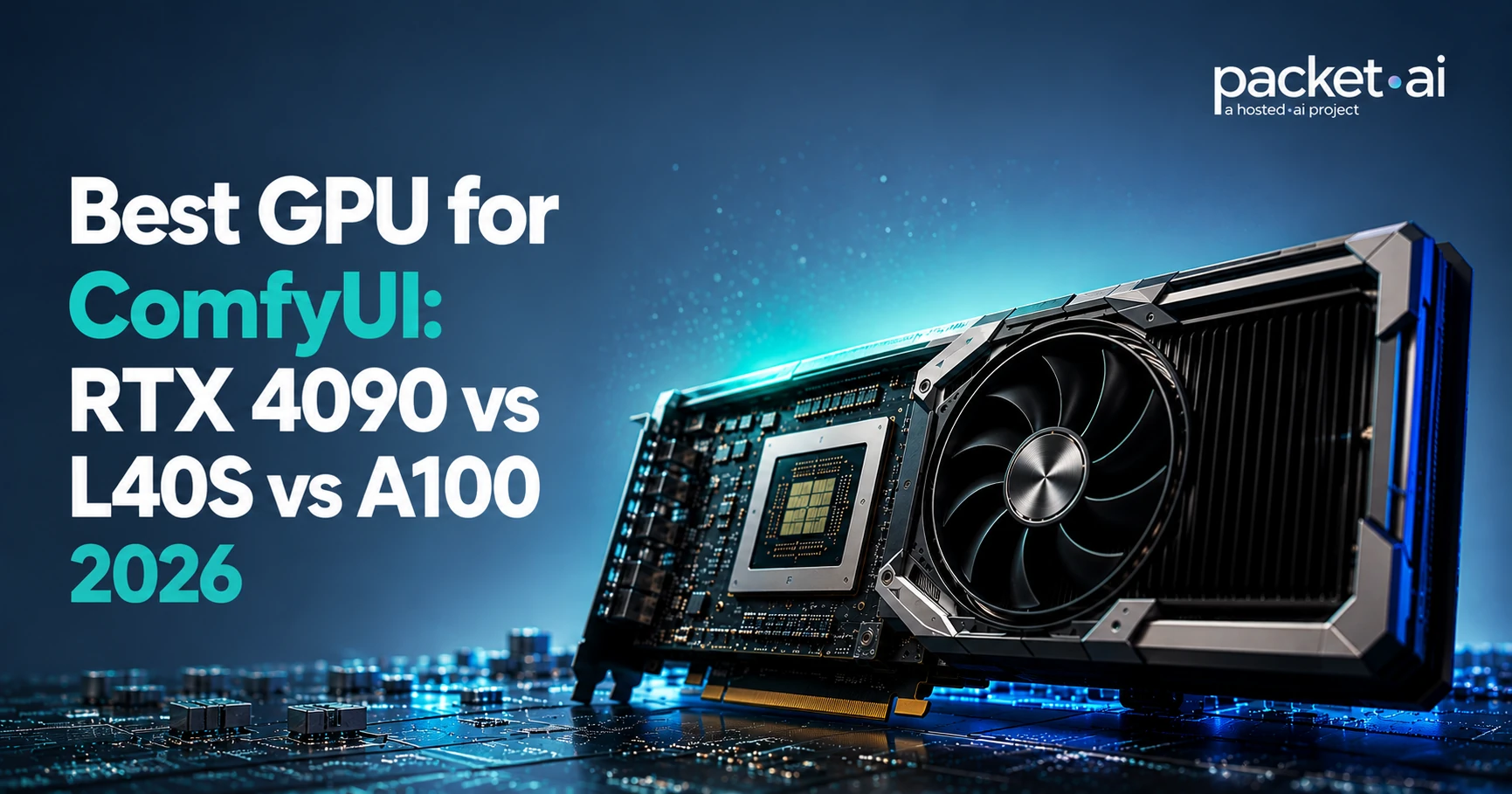
The best GPU for ComfyUI depends on your workflow: an RTX 4090 covers most SDXL and Flux.1 Dev FP8 generation, an L40S adds the VRAM headroom for Flux.1 Dev in BF16 and heavier batch runs, and an A100 80GB is worth it once you need production reliability or multi-model serving.
Key takeaways
Anyone running ComfyUI in the cloud hits the same fork in the road: rent the cheapest GPU that clears your VRAM needs, or pay more for headroom you might not use yet. The right answer depends on your workflow and how you plan to scale it, not on which card benchmarks fastest in isolation.
This guide breaks down RTX 4090 vs L40S vs A100 80GB specifically for ComfyUI: VRAM ceilings by model, where each GPU actually earns its cost, and how to think about ROI instead of just the hourly rate.
The right GPU for ComfyUI depends on which models you run and how you run them, not on raw benchmark numbers. Here is the fast version before the full breakdown.
✓ RTX 4090 is right for
✗ RTX 4090 falls short for
For most ComfyUI users, the RTX 4090 is the practical first choice: it clears the VRAM bar for SDXL and Flux.1 Dev FP8, and it's a use case packet.ai calls out directly for the card. The L40S and A100 80GB earn their higher cost once your workflow specifically needs the extra memory, bandwidth, or production reliability they provide, which is the real question this guide is built to answer: not which GPU is fastest, but when paying more actually pays off.
VRAM is the first hard constraint in any ComfyUI decision. Every denoising step reads the full weight tensor from memory, so running out of VRAM mid-generation is the most common failure mode cloud renters hit.
Flux.1 Dev in BF16 needs roughly 30GB of VRAM, which exceeds the RTX 4090's 24GB entirely regardless of settings. On a 48GB L40S, the same Flux.1 Dev BF16 pipeline fits with substantial headroom left over for ControlNets and LoRA stacks.
Quantization changes this math significantly. Flux.1 Schnell in FP8 fits easily on 24GB, and lower-bit GGUF variants of newer Flux models can run on the RTX 4090 at reduced VRAM, though with a measurable quality tradeoff versus full FP8 or BF16 precision. Exact figures vary by quantization method and ComfyUI node configuration, so treat these as planning ranges rather than guarantees.
The RTX 4090's 1.01 TB/s of bandwidth and 4th-generation Tensor Cores with FP8 support make it the fastest consumer GPU packet.ai offers for diffusion inference, and packet.ai names FLUX, SDXL, and video AI pipelines directly as a use case for the card. For SDXL and SD1.5 workflows, the RTX 4090 delivers strong throughput per dollar, which is why it's the default recommendation for most ComfyUI cloud setups.
The 24GB ceiling is a hard limit, not a soft one. A handful of LoRAs stacked with two or three ControlNets on an SDXL BF16 pipeline can already approach 22GB, leaving little room before a fifth LoRA or third ControlNet triggers an out-of-memory error.
⚠ Watch out
NVIDIA's GeForce driver license does not permit consumer GPUs, including the RTX 4090, in commercial data-center deployments. If you're building a customer-facing ComfyUI product rather than running personal or internal workflows, an L40S or A100 avoids this licensing question entirely.
The L40S sits between the RTX 4090's consumer tier and the A100's full data-center tier. Its 48GB of GDDR6 covers every diffusion model up through Flux.1 Dev in BF16, with room left for ControlNet stacks and LoRA collections that would force checkpointing on a 24GB card.
For single-image workflows, the RTX 4090 remains more cost-efficient per generation. The L40S earns its higher price on overnight batch runs, higher-resolution upscaling pipelines, and any workflow that reloads models repeatedly, since 48GB means fewer reloads and less time lost to VRAM management. It's also a data-center card by design, so it sidesteps the consumer-license question entirely for teams building a commercial product.
One real limitation: the L40S has no NVLink and no MIG partitioning, so multi-card L40S builds communicate over PCIe rather than a dedicated high-bandwidth interconnect. That's a non-issue for horizontally scaling independent ComfyUI jobs across cards, but it rules the L40S out for tightly coupled multi-GPU training or fine-grained multi-tenant partitioning.
The A100 80GB is the only GPU of the three with NVLink and MIG partitioning, features that matter once ComfyUI moves from personal experimentation to a production service with real concurrency. Its 2 TB/s of memory bandwidth handles large batch sizes without the throughput drop that hits smaller cards under sustained production load.
NVIDIA has continued shipping newer architectures since the A100's Ampere generation, but the hardware remains widely supported and, on packet.ai, sits roughly 28% below H100 cost while still covering the large majority of ComfyUI and image-generation workloads. For research clusters and services where a single dropped request has a real cost, the A100's NVLink and hardware isolation justify the premium over the L40S.
Where the A100 does not clearly win: for SDXL or SD1.5 alone, without heavy concurrency, it offers no meaningful advantage over an RTX 4090 given its notably higher hourly cost. Reserve it for multi-model production servers, MIG-partitioned shared environments, or pipelines that genuinely need 80GB.
packet.ai offers two billing models for all three GPUs covered here, and the right one depends on whether you're iterating on a workflow or running it in production. For a deeper look at how the underlying scheduler makes this possible, see how packet.ai's dynamic GPU placement works.
Pick Dynamic for development
Shared, scheduler-isolated infrastructure at roughly half the Dedicated rate. Right for testing workflows, prompt iteration, and node debugging where occasional scheduler contention is an acceptable tradeoff for lower cost. See the Dynamic GPU pods page for details.
Pick Dedicated for production
A whole card, single-tenant, with zero scheduler interference and a 99.99% uptime SLA backed by service credits. Right for customer-facing generation services or any workload where p99 latency has to stay flat. See the Dedicated GPU page for the full breakdown.
Commit monthly once your workload is stable
Monthly commits on Dedicated pricing bring a meaningful discount off the hourly rate. Worth doing once you know roughly how many GPU-hours a month your ComfyUI service actually needs.
Provisioning is fast regardless of tier: a single Dedicated GPU on packet.ai comes online in 5-10 minutes with local NVMe scratch space and 100 Gbps networking, which matters for ComfyUI setups that swap models frequently. Larger multi-GPU reservations may take longer, confirmed at checkout. Current hourly and monthly rates for all three GPUs, along with any active promotions, are always up to date on the packet.ai pricing page, which is the best place to check before deploying since rates can change.
The decision ultimately comes down to matching your actual workflow, not a spec sheet, to the right card. Run through these questions before choosing.
Teams running mixed workloads, quick single-image generation alongside heavier batch or video pipelines, don't have to pick one GPU permanently. packet.ai's Pixel Factory image and video generation product runs on the same underlying GPU fleet, useful if you want managed image and video generation without operating ComfyUI infrastructure directly.
The workload questions above should point you to one of three answers: RTX 4090 for cost-efficient single-image generation, L40S for BF16 Flux and batch work, or A100 80GB for production concurrency and reliability. That decision, not the hourly rate, is what actually determines your total cost, since the wrong GPU either bottlenecks your workflow or leaves capacity unused.
Once you know which card fits, packet.ai makes the next step straightforward. Every GPU on this page deploys from the same Dedicated infrastructure with the same 5-10 minute provisioning, the same 99.99% SLA, and no long-term contract required to start. Compare specs and current rates on the RTX 4090, L40S, or A100 80GB pages, check the full rate card on packet.ai pricing, or start with an hourly Dedicated GPU and move to a monthly commit once your ComfyUI workload settles into a predictable pattern.
Last reviewed: July 15, 2026. Specs and pricing tiers for RTX 4090, L40S, and A100 80GB confirmed directly against packet.ai's live product pages. Hourly and monthly rates change over time, so check the pricing page for current numbers.
Same models. Same API. Fraction of the cost. Start free — no credit card required.
Start Building →