The swap is smaller than you think, but three specific gotchas trip up most migrations. Here is what actually changes.
The mechanics of migrating away from a proprietary API to an OpenAI compatible api are simpler than most teams expect: in the overwhelming majority of cases, it comes down to two lines of configuration, not a rewrite. This guide focuses on applications using the OpenAI SDK's Chat Completions-style interface. An OpenAI-compatible endpoint does not necessarily implement every OpenAI API or platform feature, so this covers what actually changes in your code, the specific gotchas that trip people up despite the surface-level simplicity, and what to check before committing to a migration.
Key takeaways
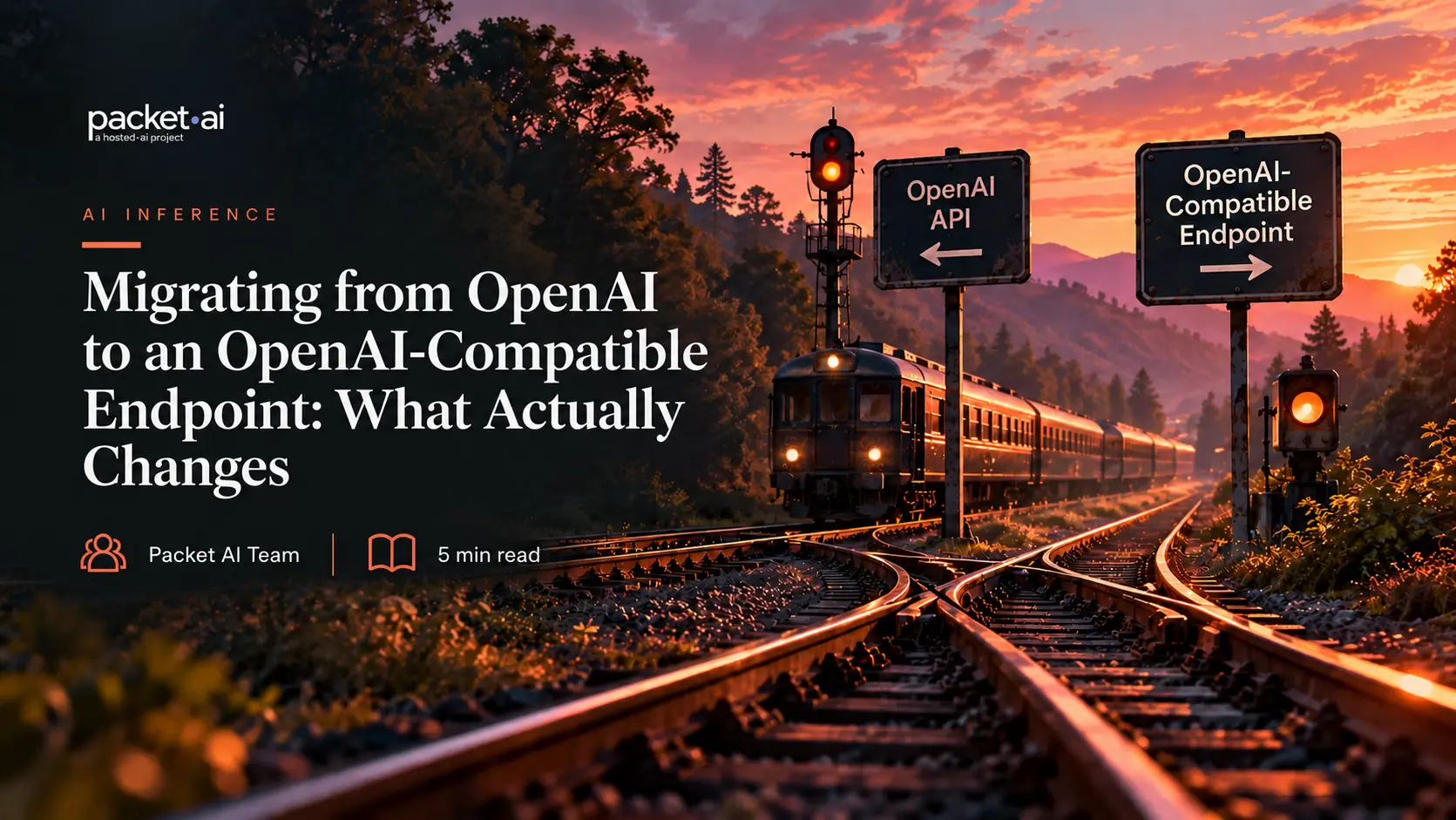
For an application built against the OpenAI SDK's Chat Completions interface, migrating to a compatible endpoint is, in the large majority of cases, a two-line change: the base URL the client points to, and the API key used to authenticate.
# Before
from openai import OpenAI

client = OpenAI(
    api_key="OPENAI_API_KEY"
)

# After
from openai import OpenAI

client = OpenAI(
    api_key="YOUR_ENDPOINT_API_KEY",
    base_url="https://your-endpoint.example.com/v1"
)

response = client.chat.completions.create(
    model="your-model",
    messages=[
        {"role": "user", "content": "Hello"}
    ]
)
The exact endpoint URL and model name need to match your actual target, but the shape of the change is consistently this small. Everything else, how messages are structured, how a response comes back, stays the same because the target endpoint is implementing the same request and response conventions OpenAI's own API defines, not a different one you have to adapt to separately. This is a genuine, well-documented pattern: the OpenAI Python SDK explicitly supports a custom base_url specifically for this use case.
This works because "OpenAI compatible" describes a request and response schema, not a specific piece of infrastructure or a certified standard. Any serving engine that implements that same schema, most modern open-source inference engines including vllm openai compatible serving, or an openai proxy that translates requests on the way through, can sit behind similar client code. The compatibility is at the API-surface level, which is exactly why the migration tends to be smaller than teams expect going in, though it also means compatibility is better understood as compatibility with a particular API surface than as guaranteed parity with every OpenAI platform feature.
An endpoint that implements the same Chat Completions request and response formats can often support streaming, tool calling, and JSON-mode requests without client-side changes. Support still depends on which features the target server and model actually implement, which is a genuinely different question from whether the endpoint is broadly "OpenAI compatible."
Streaming can usually carry over unchanged when the target endpoint implements the same Chat Completions streaming response format; this is a client-side format question more than a model-capability one. Tool calling is where the gap between client compatibility and server compatibility is largest. The client-side request shape, tool definitions and the tool_choice parameter, can look identical to an OpenAI request. But vLLM's own documentation, as one concrete example of a common serving engine, shows this isn't automatic on the server: tool calling has to be explicitly enabled, a tool-call parser has to be selected that matches the specific model family being served, and a matching chat template is often required as well, since different model families (Llama, Mistral, Hermes, Qwen) emit tool calls in different formats that need their own parser. JSON-mode requests can also carry over when the target endpoint implements the corresponding OpenAI response-format fields, but it's worth being precise that OpenAI itself now distinguishes an older json_object mode from newer, schema-enforcing structured outputs, and schema enforcement support varies by server and model, similar to tool calling.
Confirming that the specific model and serving engine you'll be running actually support the features your application depends on, and how they need to be configured to enable them, is worth doing before migrating, separately from confirming the endpoint speaks a compatible protocol at all.
⚡ Three gotchas that surface despite the simple surface-level swap
01. Model identifiers. The model field remains part of the OpenAI client request even when you point the client at another endpoint. The target server may use that value to select a model, map it internally, or ignore it, depending on its implementation, so it's worth confirming which applies to your specific target rather than assuming.
02. Authentication expectations. The OpenAI Python SDK can require a non-empty credential value even when the target server does not actually authenticate the request. This is a specific, documented behavior of the SDK itself (an empty-string api_key was accepted in earlier SDK versions and now raises an error in more recent ones), not a universal property of every client, so a placeholder value like "not-needed" is a practical, SDK-specific workaround rather than a generic requirement.
03. Context-length configuration. A serving engine's configured context length may not automatically match the maximum context length advertised by the model, so a migration can expose out-of-memory or context-length failures that were not present on the original endpoint, and that only surface once a genuinely long prompt is sent rather than during shorter initial testing.
Because the client-side change is small, it's tempting to treat the whole migration as complete once requests successfully return a response. A response coming back correctly formatted confirms the protocol compatibility works; it doesn't confirm the new model behind that endpoint produces comparable output quality to whatever was running before. These are genuinely separate questions, and conflating them is a common source of migrations that technically work but quietly degrade results.
A practical pre-cutover checklist: repoint the base URL, replace authentication credentials, confirm the model identifier resolves correctly, test streaming, test tool calling if your application uses it, test JSON or structured output if relevant, test a genuinely long-context request specifically, compare representative production outputs against the original endpoint rather than just confirming a response comes back, and canary the new endpoint on a subset of real traffic before a full cutover. This matters more for tasks with a higher quality bar and less for simpler, well-defined tasks where model differences are less likely to show up in practice.
Token Factory is being built as an OpenAI-compatible endpoint specifically so this migration pattern applies directly: the same base-URL-and-API-key change, the same request format, the same set of things worth validating before a full cutover. It's currently in private preview, with the specific model catalog and pricing still being finalized, so the concrete migration steps and any model-specific compatibility notes will be published once it's available. For the underlying cost question of whether switching away from a proprietary API makes sense for a given workload, the packet.ai Open-Weight vs OpenAI API cost guide covers that comparison, and if the deciding factor is utilization rather than sticker price, the Self-Hosting vs API break-even guide covers that math specifically. For the tool-calling gotcha covered above in more depth, the packet.ai Tool Calling in Self-Hosted LLMs guide goes further into parser and chat-template configuration.
Join the waitlist for early access once it opens.
Last reviewed: September 28, 2026. OpenAI-compatible endpoint behavior can vary by serving engine and model; verify specific feature support against your target endpoint's documentation before migrating. For the cost case behind this decision, see the packet.ai Open-Weight vs OpenAI API cost guide.
Same models. Same API. Fraction of the cost. Start free — no credit card required.
Start Building →