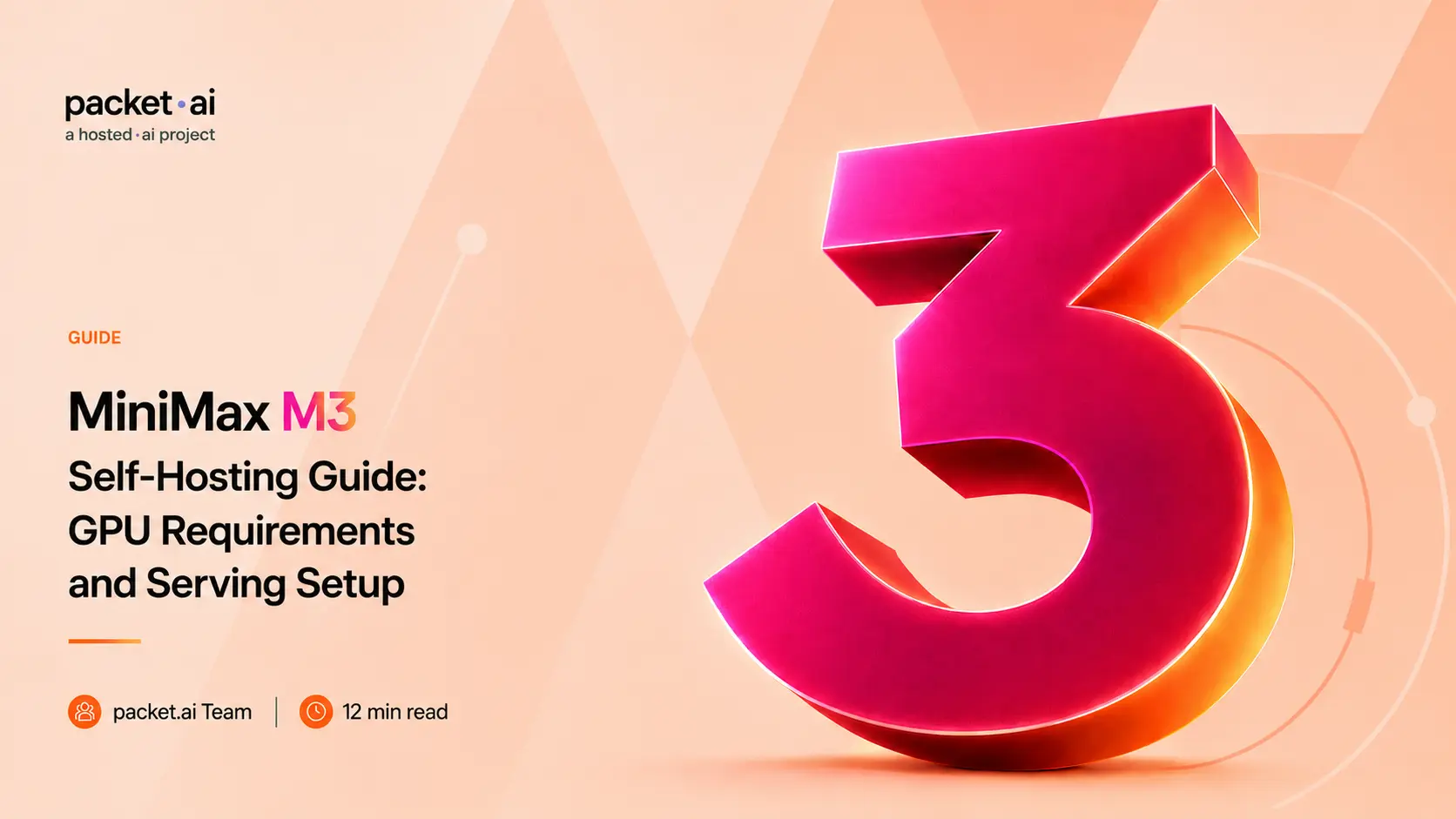
428B parameters, a license that is not Apache 2.0, and an 8-GPU documented deployment. Here is what MiniMax M3 actually needs before you deploy it commercially.
MiniMax M3 is a 428B-parameter model, but that number alone doesn't tell you what it takes to run. Its sparse attention architecture keeps the active parameter count around 23B per token, while its 1M-token context and documented deployment configuration still make self-hosting a serious GPU commitment. This guide works backwards from that deployment reality: how much VRAM M3 actually needs, why the documented setup uses 8 GPUs, what the license actually requires before you deploy commercially, and what the vLLM configuration looks like in practice.
Key takeaways
--block-size 128, since MSA indexes attention in 128-token blocks; using a different block size breaks the architecture's assumptionsThis post assumes you already know why active parameters don't determine VRAM footprint in an MoE model; that's covered in the packet.ai DeepSeek V4, Mixtral 8x22B, and Nemotron 3 Super GPU requirement guides. What's specific to M3 is the attention mechanism and the license, neither of which those posts needed to cover. For a general explanation of how model parameter count translates into VRAM requirements, see the VRAM requirements guide.
Standard full attention has every token attend to every prior token, which is why context length and compute cost scale together: doubling context roughly quadruples attention cost. That's the wall every long-context model eventually hits. MiniMax's answer with M3 is MSA: a lightweight index branch scans incoming tokens and selects which blocks of past tokens actually need attention, then runs full attention only on that selected subset. MiniMax Sparse Attention (MSA) limits each query to 2,048 KV tokens, regardless of whether the model is handling 128K or the full 1M-token context.
The practical result, per MiniMax's own technical report, is a 28.4x reduction in per-token attention compute at 1M-token context compared to standard full attention at the same length. That's the difference between "supports a 1M context window" as a marketing checkbox and a model that's actually usable at that length without prohibitive latency. Every MiniMax M3 benchmark result at long context reflects this msa attention design, not a generic transformer scaled up.
⚡ MiniMax tried this before and reversed course
MiniMax's own M2 generation (M2, M2.1, M2.5, M2.7) deliberately ran on standard full attention. MiniMax's engineering team had previously judged sparse attention infrastructure too immature to beat full attention in practice. M3 reverses that decision with MSA. Worth knowing if you're comparing M3 against the M2 line: this is a genuine architectural shift, not an incremental tweak.
Before deploying M3 commercially, read the MiniMax Community License. The model is not simply "open weights, therefore unrestricted commercial use"; M3 ships under its own custom license, not a standard permissive one, and its terms are genuinely different from the Apache 2.0 licensing used by Mixtral, DeepSeek, and most other open-weight models covered on this site. Open weights describes access to the parameters; it says nothing on its own about what you're allowed to do commercially with them.
One honest caveat worth stating plainly: the license's definition of "Commercial Use" has drawn genuine community pushback for ambiguity, particularly around whether internal tooling or embedding M3 in a product counts the same way as directly reselling access to it. If your deployment is anything other than clearly personal or clearly commercial, read the license text on Hugging Face directly and consider confirming your specific use case with MiniMax before shipping, rather than relying on a summary, including this one.
A second, separate thing worth flagging directly: as of this writing, M3's license contains no geographic restriction, unlike MiniMax's own H3 video model, whose license (published August 2026) excludes the US, EU, UK, and South Korea from local open-weight deployment specifically. M3's terms are based on revenue tiers, not geography. That said, MiniMax has shown it's willing to add territory restrictions to a model's license after the fact, and reports have surfaced of Chinese regulators discussing tighter controls on overseas access to frontier open-weight models generally. Nothing in that reporting names M3 specifically, and nothing in M3's current license restricts use outside China, but this is a fast-moving area worth rechecking against MiniMax's current license text before any deployment you're relying on long-term.
MiniMax M3 requires approximately 856GB of VRAM for BF16 weights or approximately 440GB for FP8/MXFP8 weights, before accounting for KV cache and runtime overhead. That number alone rules out anything short of a genuine multi-GPU cluster.
MiniMax's own deployment docs, NVIDIA's official technical guide, AMD's Day 0 support guide, and TensorRT-LLM's own documentation all converge on the same shape: 8-GPU tensor parallelism is the standard, documented configuration for M3 across every officially supported serving path. This isn't presented as one option among several in any of that documentation; it's what the vendor recipes actually specify. Worth being precise about what that means: it's the documented, supported configuration, not a hard mathematical floor. More aggressive community quantization (4-bit builds, for instance) can technically fit on far less hardware, down to a single high-memory GPU in some reported setups, but that's an unofficial path with real tradeoffs in quality, throughput, and support, not the configuration MiniMax or its infrastructure partners document or recommend.
MiniMax publishes an official vLLM recipe. The block size and tensor parallelism settings are not arbitrary defaults; they're specific to how MSA indexes attention:
vllm serve MiniMaxAI/MiniMax-M3 \
  --trust-remote-code \
  --block-size 128 \
  --tensor-parallel-size 8 \
  --tool-call-parser minimax_m3 \
  --enable-auto-tool-choice \
  --reasoning-parser minimax_m3 \
  --max-model-len 131072
--block-size 128 is mandatory, not a tuning knob: MSA's index branch selects attention blocks at 128-token granularity, so a mismatched block size breaks the architecture's own assumptions rather than just performing worse. --max-model-len 131072 caps context at 128K rather than the full 1M by default; this leaves substantially more room for runtime buffers and concurrent requests, and most production workloads don't need the full window. Raise it if your use case genuinely requires longer context and you have the VRAM headroom to support it.
For text-only serving, skip the vision encoder entirely to reclaim that memory:
--language-model-onlyTo trade some VRAM for a larger KV cache pool, add FP8 KV cache, which MiniMax's own testing describes as lossless across the full native context:
--kv-cache-dtype fp8SGLang is the other officially supported path, and tends to be the better fit for agentic, multi-turn, tool-calling workloads specifically because of its prefix caching behavior:
python -m sglang.launch_server \
  --model-path MiniMaxAI/MiniMax-M3 \
  --tp 8 \
--context-length 131072packet.ai provides GPU infrastructure for self-hosting MiniMax M3 and other open-weight LLMs, including the multi-GPU configurations required by large models like this one. An 8-GPU deployment at this scale is a cluster decision, not a single-node rental. On packet.ai, B200 is the currently-bookable GPU for cluster-scale work; H100 and H200 are both listed as coming soon rather than live today. B200's 192GB per GPU means an 8x B200 node offers 1,536GB combined, comfortably covering the ~856GB BF16 floor with real room left for KV cache and concurrent requests, or the ~440GB FP8 footprint with substantial headroom to spare.
For deployments genuinely at this scale, the GPU cluster page covers how packet.ai provisions multi-GPU nodes with NVLink and InfiniBand, and what to expect on setup timelines versus a single-node rental. Before committing to that infrastructure spend, it's worth weighing self-hosting cost and the licensing considerations above against a managed inference API instead. Token Factory, packet.ai's inference API, is currently in private preview with its model catalog and pricing still being finalized; if it ends up covering your model of choice, a managed API avoids the licensing check and the 8-GPU commitment entirely.
Last reviewed August 26, 2026. Deployment details and licensing should be checked against the latest MiniMax and vLLM documentation before production use, particularly given MiniMax's demonstrated willingness to amend license terms, including geographic scope, between model releases. For the active-versus-total parameter distinction shared by MoE models generally, see the DeepSeek V4, Mixtral 8x22B, and Nemotron 3 Super guides. For general VRAM sizing, see the VRAM requirements guide.
Same models. Same API. Fraction of the cost. Start free — no credit card required.
Start Building →