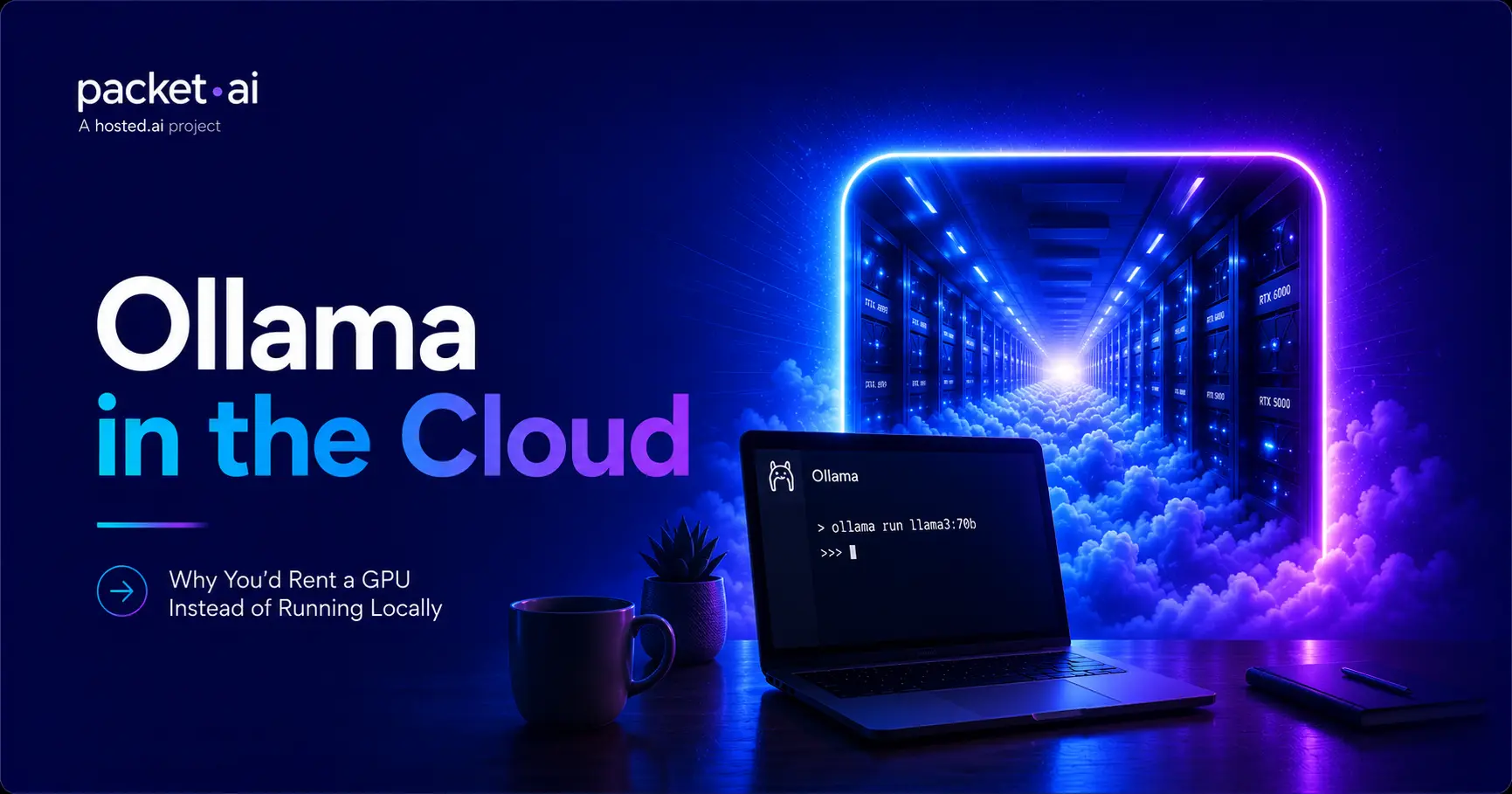
Most people start running Ollama on their laptop. Eventually they hit one of four walls: the model no longer fits, responses get painfully slow, teammates need access too, or the machine is tied up all day running one job. That's the point where renting a cloud GPU starts making more sense than running everything locally.
Key takeaways
Ollama makes running a large language model on your own machine almost trivial: install it, pull a model, and you're chatting with an LLM in under five minutes. That simplicity is exactly why so many people start there and never think about the cloud at all. This post is for the point where that stops being enough, whether that's a model too big for your GPU, a team that needs shared access, or a security question you'd rather not own yourself.
Cloud GPU providers like packet.ai exist because eventually local hardware stops scaling with what you're trying to do. That's not a knock on local Ollama, it's just where the ceiling is.
Ollama itself costs nothing. It's open source, the CLI is free, and every model in its library is free to download and run. What people are actually asking when they search "is Ollama free" is usually a different question: what's the real cost of running an LLM at all, since the software was never the expensive part.
The actual cost is hardware, and it shows up in one of two places. Either you buy a GPU with enough VRAM to run the model you want, which is a large upfront cost that sits idle most of the time, or you rent one by the hour and only pay while you're actually using it. Ollama being free doesn't change the fact that a 70B model needs serious VRAM somewhere, on hardware you own or hardware you rent.
VRAM is the number that decides what you can run, and it scales with both model size and how much conversation context you want to keep active.
These are model weights only. Context adds on top: Ollama's KV cache grows with conversation length, and a long context window on a 70B model can add tens of gigabytes by itself at higher context lengths. Ollama will fall back to CPU offloading if a model doesn't fully fit in VRAM, so it won't crash outright, but generation speed drops sharply once that happens.
Local Ollama is genuinely the right call for a lot of use cases, and this isn't an argument against it. It stops being enough at a few specific, recognizable points.
✓ Local still makes sense when
✗ Time to consider a cloud GPU when
That last point matters more than it might seem. Ollama has no built-in authentication, and a 2026 vulnerability (CVE-2026-7482) let unauthenticated attackers read process memory, including system prompts and API keys, from roughly 300,000 exposed servers before it was patched. Running Ollama locally with no network exposure avoids that entirely. Running it remotely means someone has to own the firewall rules, the reverse proxy, and the patching, and that someone is you, unless the infrastructure handles isolation for you.
Buying hardware and renting a GPU solve the same problem with different tradeoffs, and the right one depends entirely on how consistently you'd actually use it.
A GPU capable of running 30B+ models comfortably is a real upfront purchase, and it depreciates and sits idle the moment you're not actively running inference. A cloud GPU flips that: no upfront cost, but an hourly or monthly rate for however long you use it. For occasional or bursty use, testing model sizes, running a service that gets traffic in bursts rather than constantly, renting almost always comes out cheaper than owning hardware that spends most of its life idle. The math only favors buying if you're running at high, consistent utilization for long enough to offset the purchase price, which is a smaller slice of use cases than it might seem.
This is also where "is Ollama free" and "what does Ollama cost" converge on the same answer: the software was never the cost. The decision is entirely about which way you want to pay for GPU time, upfront and owned, or ongoing and rented.
Ollama's remote setup is simpler than it sounds, and simpler than a tool like oobabooga, since Ollama is API-first by design rather than built around a bundled web interface.
OLLAMA_HOST=0.0.0.0:11434 ollama serve
By default, Ollama binds to 127.0.0.1:11434, local access only. Setting OLLAMA_HOST to 0.0.0.0 tells it to listen on the server's network interface instead, which is what makes it reachable remotely, and what makes the security question above suddenly relevant.
⚠ Watch out
Ollama has no authentication of its own. Binding to 0.0.0.0 without a firewall rule or reverse proxy in front of it leaves the API open to anyone who finds the port. A January 2026 scan found roughly 175,000 Ollama servers publicly reachable across 130 countries, most without any access control. If you're running this yourself, put it behind a reverse proxy with auth, or restrict the port to a specific IP range at the firewall level.
That security overhead is real, but it's not a reason to avoid the cloud, it's a reason to think about who's responsible for it. A managed GPU cloud with isolated, single-tenant infrastructure removes the "is my box exposed to the internet" question, since the isolation happens at the infrastructure layer rather than something you configure by hand on top of a bare VM.
Everything so far has been about local Ollama's limits. The other half of the decision is what you actually gain by renting instead, and it's worth stating plainly rather than leaving it implied.
None of this means buying is always the wrong call. If you're running a GPU at high, consistent utilization for long enough, owning eventually wins on cost. But that's a narrower case than it looks, and for most of the reasons people search "Ollama cloud GPU" in the first place, renting is the one that actually matches how they'll use it.
Once you've decided to move to the cloud, the GPU choice follows directly from the model size and VRAM table above.
The RTX 6000 Pro is worth calling out specifically for Ollama: its 96GB of GDDR7 on a single PCIe card covers 30B models at full precision and 70B models at 4-bit quantization without needing NVLink or a multi-GPU setup, which simplifies things considerably if you're moving a single-model workload from a laptop to the cloud rather than architecting a cluster. These GPUs are available on packet.ai, subject to current availability, deployed from the same Dedicated infrastructure regardless of which one your model needs.
Once you know which GPU fits your model, the remaining choice is how you want to pay for it, and packet.ai offers two paths that map onto different usage patterns.
Dynamic: shared infrastructure, the lower-cost option
Scheduler-isolated but shared hardware. A natural fit for testing model sizes, running Ollama occasionally, or anything where you're not yet sure how much GPU time you'll actually need on an ongoing basis. See the Dynamic GPU page for details.
Dedicated: single-tenant, 99.99% uptime SLA
A whole card committed to your account, no scheduler contention. Makes sense once Ollama is serving a team or a product consistently enough that predictable latency matters more than the lower hourly rate. See the Dedicated GPU page for the full breakdown.
Neither is the "right" default. Someone experimenting with model sizes before committing to a setup gets more value from Dynamic's lower cost; someone who already knows Ollama needs to be reachable reliably for a team gets more value from Dedicated's isolation. Both can typically be deployed in just a few minutes, with local NVMe and 100 Gbps networking, and current rates for both tiers are on the packet.ai pricing page.
If you've already decided to move Ollama to the cloud and want the full installation and configuration walkthrough, our guide to running oobabooga on a cloud GPU covers the same headless server setup pattern, remote access, and API exposure considerations that apply here too.
Ollama isn't the only option in this space. LM Studio takes a GUI-first approach for people who'd rather browse and test models visually, and Open WebUI is a popular frontend that pairs with a headless Ollama backend to add a browser interface on top. Both are worth knowing about, but the cloud GPU question underneath all three is the same: at some model size, something has to run the inference somewhere with enough VRAM.
If you've reached the point where your local machine is holding you back, compare the GPUs above on packet.ai and choose the one that matches your workload, not just the largest model you can rent.
Last reviewed: July 17, 2026. Ollama commands and security details confirmed against current documentation and disclosed 2026 CVE reporting. GPU pricing confirmed against packet.ai's live pricing pages as of this review; rates change over time.
Same models. Same API. Fraction of the cost. Start free — no credit card required.
Start Building →