DALL-E 3 charges $0.080 per image. Running FLUX.1 Dev on an L40S costs under $0.01 at scale. Here is the full cost math, GPU comparison, and a 10-minute setup guide.
Running FLUX.1 Dev on a dedicated NVIDIA L40S on packet.ai costs $0.92/hr (as of August 2026). At approximately 100 images per hour, that works out to under $0.01 per 1024×1024 image, compared to $0.080 per image for DALL-E 3 HD via the OpenAI API.
Key takeaways
Verdict for solo creators
Volume work and commercial delivery: FLUX.1 Schnell on an RTX 4090 at $0.39/hr. Apache 2.0 license, under $0.002 per image, fastest iteration speed.
Client-facing quality: FLUX.1 Dev on an L40S at $0.92/hr. Better prompt fidelity, 28 steps, dedicated GPU with 99.99% SLA.
Photorealistic portraits and product shots: SDXL 1.0 plus refiner on an RTX 4090 at $0.39/hr. Mature LoRA ecosystem, commercial license, 14 to 16 GB VRAM fits comfortably.
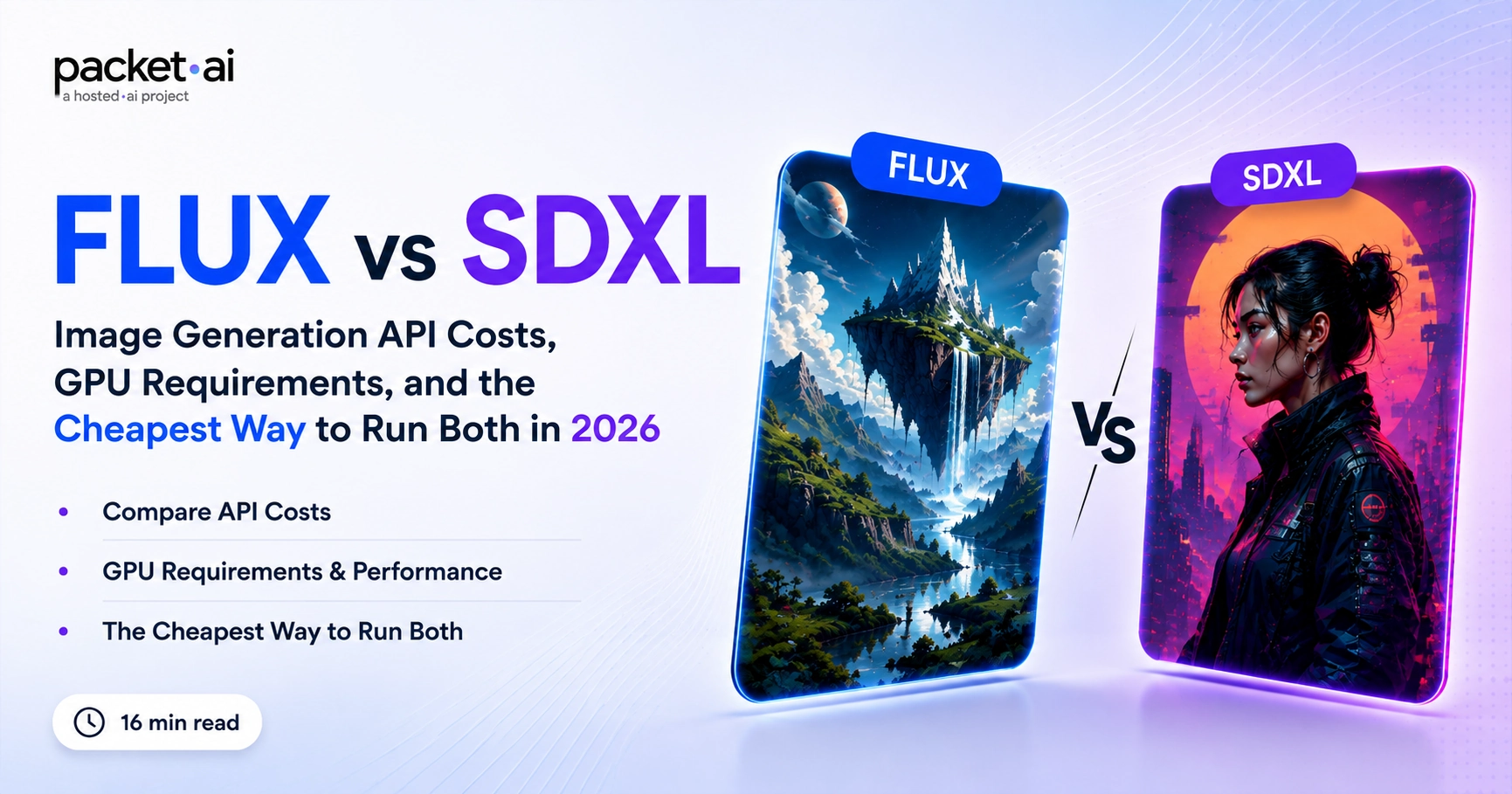
The image generation market split into two clear camps in 2026. You either pay per image through a managed API, or you rent a GPU and generate at hourly rates. The math depends almost entirely on monthly volume and whether you need custom model weights. This post gives you the exact cost figures, a full FLUX versus SDXL comparison including LoRA and ComfyUI, and a 10-minute setup guide.
FLUX and SDXL are both open-weight text-to-image diffusion models, but they come from different teams with different architectures, licensing terms, and VRAM profiles. Choosing wrong costs you in GPU size or legal risk.
Black Forest Labs, founded by the original Stable Diffusion research team, released FLUX.1 in August 2024. The FLUX.1 family uses a flow-matching transformer architecture rather than the latent diffusion UNet that powered SDXL. That architecture change drives FLUX's stronger text instruction following.
Stable Diffusion XL 1.0, released in July 2023, runs as two components: a base model for layout and a refiner for detail. The base alone runs on 6 to 8 GB VRAM. With the refiner, you need 14 to 16 GB. It has the most mature LoRA and ControlNet ecosystem of any open-weight model.
The two models share the same architecture and nearly identical VRAM requirements, but serve fundamentally different use cases. Getting this wrong costs you quality ceiling or legal exposure.
FLUX.1 Schnell runs at 4 inference steps, roughly 7 times faster than Dev. For social graphics, product mockups, and volume asset generation, Schnell is the correct choice. Apache 2.0 means you can fine-tune it, distribute outputs, and integrate it into products without licensing restrictions. It is the only FLUX variant legal for client work.
FLUX.1 Dev produces visibly higher quality on complex compositions requiring precise layout or accurate text rendering. The non-commercial license limits it to personal projects and research. For personal portfolios, reference images, or non-commercial experiments, Dev gives you the best self-hosted quality of any open-weight model as of August 2026.
License check before you deploy
FLUX.1 Dev is non-commercial. Generating images for a paying client, reselling outputs, or shipping a product powered by FLUX.1 Dev violates the license. For commercial use: FLUX.1 Schnell (Apache 2.0) or SDXL (Stability AI Community License). Verify current terms at the Black Forest Labs Hugging Face repository before deploying at scale.
FLUX.1 Schnell supports LoRA fine-tuning via diffusers. A typical style or subject LoRA on 50 to 200 training images takes 30 to 90 minutes on an L40S at $0.92/hr (as of August 2026), adding $0.46 to $1.38 per fine-tune run. You can run 10 style experiments for under $10, and everything you produce is commercially usable under Apache 2.0.
If your workflow depends on ControlNet (depth maps, canny edge, human pose), SDXL is the only production-ready option as of August 2026. The L40S at 48 GB gives you enough VRAM to load SDXL base, refiner, and a ControlNet adapter simultaneously.
SDXL has the most mature LoRA ecosystem, with thousands of community adapters on Civitai and Hugging Face. FLUX LoRAs are newer but growing fast. A FLUX.1 Schnell LoRA trained on 100 images runs for approximately 45 to 60 minutes on an L40S at $0.92/hr, costing $0.69 to $0.92 per run (as of August 2026).
Third-party prices sourced from publicly published pricing pages as of August 2026. Verify directly at each provider before building cost models. Pixel Factory pricing will be published at packet.ai/pxl at launch.
Quotable figure: Running FLUX.1 Dev on a dedicated L40S at $0.92/hr on packet.ai (as of August 2026), at approximately 100 images per hour, produces each 1024×1024 image at roughly $0.007 to $0.010, approximately 8 to 11 times cheaper than DALL-E 3 HD at $0.080 per image.
The table below uses packet.ai's published provider comparison as of August 2026. Dedicated tiers run on single-tenant hardware with guaranteed uptime. Marketplace tiers are preemptible.
Quotable figure: packet.ai's dedicated RTX 4090 at $0.39/hr is the most affordable single-tenant GPU option for FLUX.1 Schnell and SDXL of any published GPU cloud provider as of August 2026, 43% below RunPod's RTX 4090 at $0.69/hr. Source: packet.ai/pricing.
GPU cloud is the right call when
Managed API is fine when
You need a packet.ai account, an SSH key, and Python 3.10+. Commands below target the L40S dedicated tier. Swap to nvidia-rtx4090 for the cheaper option.
Log into dash.packet.ai, select NVIDIA L40S, choose Dedicated, deploy. SSH ready in under 5 minutes.
pip install diffusers transformers accelerate torch --upgrade
pip install huggingface_hub sentencepiece protobuffrom diffusers import FluxPipeline
import torch
pipe = FluxPipeline.from_pretrained(
"black-forest-labs/FLUX.1-schnell",
torch_dtype=torch.bfloat16
).to("cuda")
image = pipe(
"A sleek product shot of a coffee cup on marble, studio lighting",
height=1024, width=1024,
guidance_scale=0.0,
num_inference_steps=4,
max_sequence_length=256,
).images[0]
image.save("flux_schnell_output.png")from diffusers import FluxPipeline
import torch
# Set HUGGING_FACE_HUB_TOKEN before running
pipe = FluxPipeline.from_pretrained(
"black-forest-labs/FLUX.1-dev",
torch_dtype=torch.bfloat16
).to("cuda")
image = pipe(
"A photo of a red fox in a snowy forest, golden hour",
height=1024, width=1024,
guidance_scale=3.5,
num_inference_steps=28,
max_sequence_length=512,
).images[0]
image.save("flux_dev_output.png")from diffusers import StableDiffusionXLPipeline, StableDiffusionXLImg2ImgPipeline
import torch
base = StableDiffusionXLPipeline.from_pretrained(
"stabilityai/stable-diffusion-xl-base-1.0",
torch_dtype=torch.float16, use_safetensors=True, variant="fp16"
).to("cuda")
refiner = StableDiffusionXLImg2ImgPipeline.from_pretrained(
"stabilityai/stable-diffusion-xl-refiner-1.0",
text_encoder_2=base.text_encoder_2,
vae=base.vae,
torch_dtype=torch.float16, use_safetensors=True, variant="fp16"
).to("cuda")
latent = base(
prompt="Portrait of a woman, soft studio lighting, photorealistic",
num_inference_steps=40, denoising_end=0.8, output_type="latent"
).images
image = refiner(
prompt="Portrait of a woman, soft studio lighting, photorealistic",
num_inference_steps=40, denoising_start=0.8, image=latent
).images[0]
image.save("sdxl_output.png")FLUX.1 Dev requires a Hugging Face token
Accept the license at the model page and set HUGGING_FACE_HUB_TOKEN before running. FLUX.1 Schnell and SDXL 1.0 load without a gated token. For commercial workloads, use Schnell or SDXL only.
For fine-tuning a LoRA adapter on your own dataset, the GPU fine-tuning cost guide covers per-GPU economics. For managed image generation without any setup, join the notify list for packet.ai Pixel Factory, the per-image API launching soon.
Last reviewed: August 2026. Deploy the RTX 4090 from $0.39/hr or the L40S from $0.92/hr for FLUX and SDXL inference. Join the notify list for packet.ai Pixel Factory, the managed per-image API launching soon. Full GPU pricing at packet.ai/pricing.
Same models. Same API. Fraction of the cost. Start free — no credit card required.
Start Building →