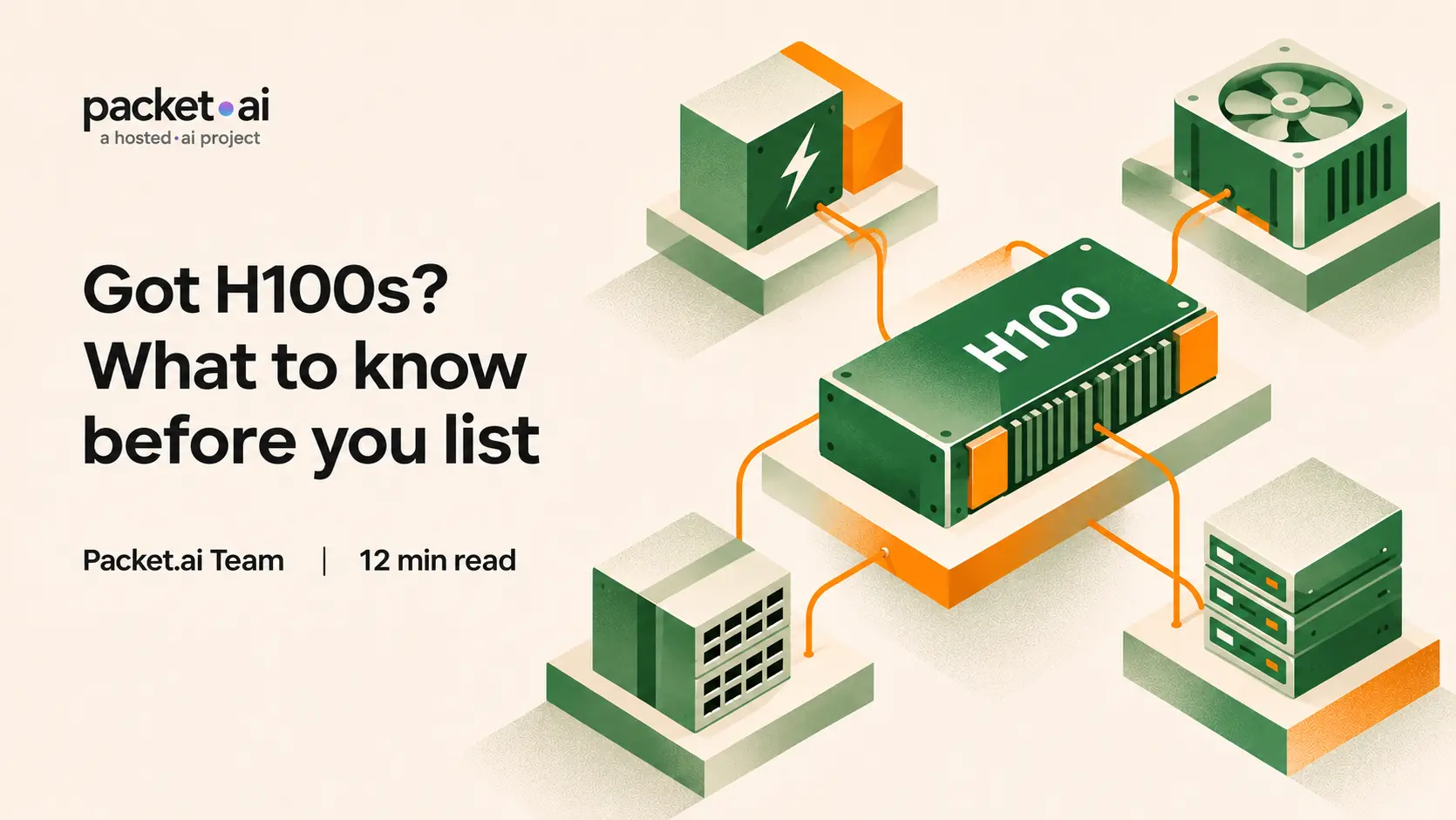
What to check before you list H100s: SXM, PCIe and NVL differences, how the H100 compares with the H200, what live buyer requests ask for, and the power a node needs.
If you own nvidia h100 hardware, what should you check before you list it? This guide covers four things: which form factor you actually have, how the H100 vs H200 question changes what buyers ask for, what live buyer requests look like, and what a node needs in power and networking. It compares published NVIDIA specifications with packet.ai's own pages, read on November 5, 2026. One disclosure: packet.ai lists supplier capacity, so we have an interest in this topic. It is general information, not financial or technical advice.
Key takeaways
The clearest public view of current demand is packet.ai's own demand board, which lists active infrastructure requests from customers. On November 5 it showed 14 open requests seeking 5,472 or more GPUs across four SKUs: B300 in 1 request, B200 in 7, H200 in 4 and H100 in 2. The board says it shows public-facing demand and that other requests are shared privately with vetted providers, so treat it as a snapshot and not a market total. A request is evidence of buyer interest, not a completed order or guaranteed occupancy.
Both requests are for whole 8-GPU nodes on 12-month commitments, which is a different shape from a typical h100 rental by the hour. A supplier with a handful of loose cards and a supplier with a full HGX H100 server are answering different questions. For how supply and demand have shifted across GPU generations, see the H200 post and where GPU supply is heading in 2027.
Three versions carry the H100 name, and NVIDIA lists them with different specifications. NVIDIA's H100 page lists the SXM and NVL versions, and its datasheet lists the PCIe card. The NVL card is a separate 94 GB configuration with its own NVLink bridge arrangement, not another name for the 80 GB PCIe card.
The practical difference is the system. NVIDIA lists SXM H100s in HGX H100 partner systems with 4 or 8 GPUs and in the DGX H100 with 8 GPUs, while the NVL card goes into partner and NVIDIA-Certified systems with 1 to 8 GPUs. The H100 sxm vs pcie gap shows up in memory bandwidth and NVLink speed as well as power. The h100 nvlink figure is 900 GB/s on SXM and 600 GB/s with a bridge on the PCIe and NVL cards. NVIDIA says the NVL card, paired with an NVLink bridge, gives 188 GB of HBM3 across the pair for LLMs up to 70 billion parameters such as Llama 2 70B. In our view, a listing for an h100 80gb server, an h100 nvl pair or a hgx h100 node should say exactly which it is, because a listing that blurs the variants wastes time at verification.
Our view
List the variant you have, with its interconnect and server platform. On packet.ai's own process, the review step checks GPU model, network, power and environment, so the listing and the machine should match from the first message.
The H200 is not a new architecture. NVIDIA describes it as the first GPU with 141 GB of HBM3e at 4.8 TB/s, "nearly double the capacity of the NVIDIA H100" with 1.4X more memory bandwidth, on the same Hopper design.
What that means in practice depends on the workload. Models that fit in 80 GB do not need more memory, and models that are memory-bound do. The H200 appears in twice as many open requests on the board as the H100, which is a snapshot and not a trend, but it fits the idea that buyers with memory-heavy inference look at the H200 first. Our post Got H200s? Where inference demand is heading works through how much model fits in 141 GB, and why memory headroom changes which GPU a buyer chooses.
Our view
An H100 is not obsolete because an H200 exists. The honest position for a supplier is to know which workloads fit in 80 GB and to be clear about the variant, the interconnect and the node you can offer.
Three different links are in play. Inside a node, NVLink connects the GPUs: NVIDIA's DGX H100 uses four NVSwitch chips for 900 GB/s of GPU-to-GPU bandwidth, and the PCIe and NVL cards use a bridge at 600 GB/s. PCIe Gen5, which NVIDIA lists at 128 GB/s for all three variants, connects each GPU to the host and is separate from NVLink. Between nodes, NVIDIA's reference design uses eight ConnectX-7 InfiniBand cards at up to 400 Gbps per port, plus two dual-port ConnectX-7 cards for storage and in-band management.
What buyers ask for varies with the job. The 128-node H100 request on the demand board accepts standard HGX networking and storage. Some B200 and H200 requests on the same board call InfiniBand mandatory for multi-node training. packet.ai's supplier page sets a baseline of stable 1 Gbps+ networking for any supplier, and says the review step looks at network quality. In our view, single-node and inference-style demand tolerates a standard network, while multi-node training does not, so be specific about what your site can offer.
H100 power consumption is where site plans most often go wrong, because a GPU rating is not a system rating. NVIDIA rates the H100 SXM at up to 700 W, but the DGX H100 user guide, last updated October 17, 2026, lists the whole system at 10.2 kW maximum.
As arithmetic, four such systems come to 40.8 kW (4 x 10.2 kW), which is why, in our view, a rack is often limited by power and heat and not by space. That is a simple maximum-power sum and not a facility design, because redundancy, power distribution and cooling overhead come on top. packet.ai's supplier page asks for a real datacenter or comparable environment, redundant power with N+1 ideal, stable cooling and 99%+ uptime capability, with hosts running Ubuntu Server 22.04 or 24.04 LTS. For what to watch once the machines are running, see GPU hosting mistakes, and for the security questions to put to any platform, our GPU provider security review.
Any h100 hosting revenue figure is a product of how often a GPU is rented. packet.ai's H100 page says 2.5 is the average number of times each GPU has been sold on its platform and that it is not a guarantee for any single card or rack, because it depends on hardware, location, demand and contract terms. Here "sold" refers to selling a GPU's capacity, not the hardware: the page describes the same GPU being sold up to five ways, as tokens, by the hour, by the month, reserved and as offtake. Because 2.5 is a multiple, it is not the same measure as occupancy, the share of hours a GPU is rented. The page also points to a supplier calculator that shows your net with your own power costs and lets you lower the multiple.
The right habit is to model a lower case and track occupancy per GPU after you list. Occupancy is the share of available hours a GPU is rented, and it is a different measure from how hard the GPU works while rented. We cover both in GPU utilization explained, and our post H100 or B200 GPU rental income: the utilization math works through the arithmetic.
If you want to rent out h100 capacity and become an h100 gpu provider through packet.ai, this is the process its H100 page describes. It also says H100 supplier applications are open.
The page says the typical time from application to first marketplace revenue is under seven days. To qualify, it asks for datacenter-grade NVIDIA GPUs in a real datacenter or comparable hosting environment, from the hardware operator and not a reseller or broker. It does not accept home-lab or consumer-grade setups. You can withdraw capacity at any time, with 14 days of notice if a GPU is occupied. Start with the H100 supplier page and the supplier page, and see the GPU provider glossary for terms such as occupancy, BMC and HGX.
If you are ready to list h100 gpu capacity, check your variant, your power plan and your network against the sections above, then open the H100 supplier page to apply.
Read November 5, 2026. Specifications and pages change, so check the live page and its date before relying on any claim.
Related posts on this blog: the H200 post; GPU hosting mistakes; GPU utilization explained; and the GPU provider security review.
Last reviewed: November 5, 2026. This is general information, not financial or technical advice. Specifications are NVIDIA's, and statements about packet.ai reflect its public pages on the date shown. packet.ai lists supplier capacity and has an interest in this topic.
Same models. Same API. Fraction of the cost. Start free — no credit card required.
Start building →