🚀 B200 starting at $3.75/hr. The best price you'll find. DC in US West → (Access it from button on top after login).

Get Your B200 →
Start Building
Guide

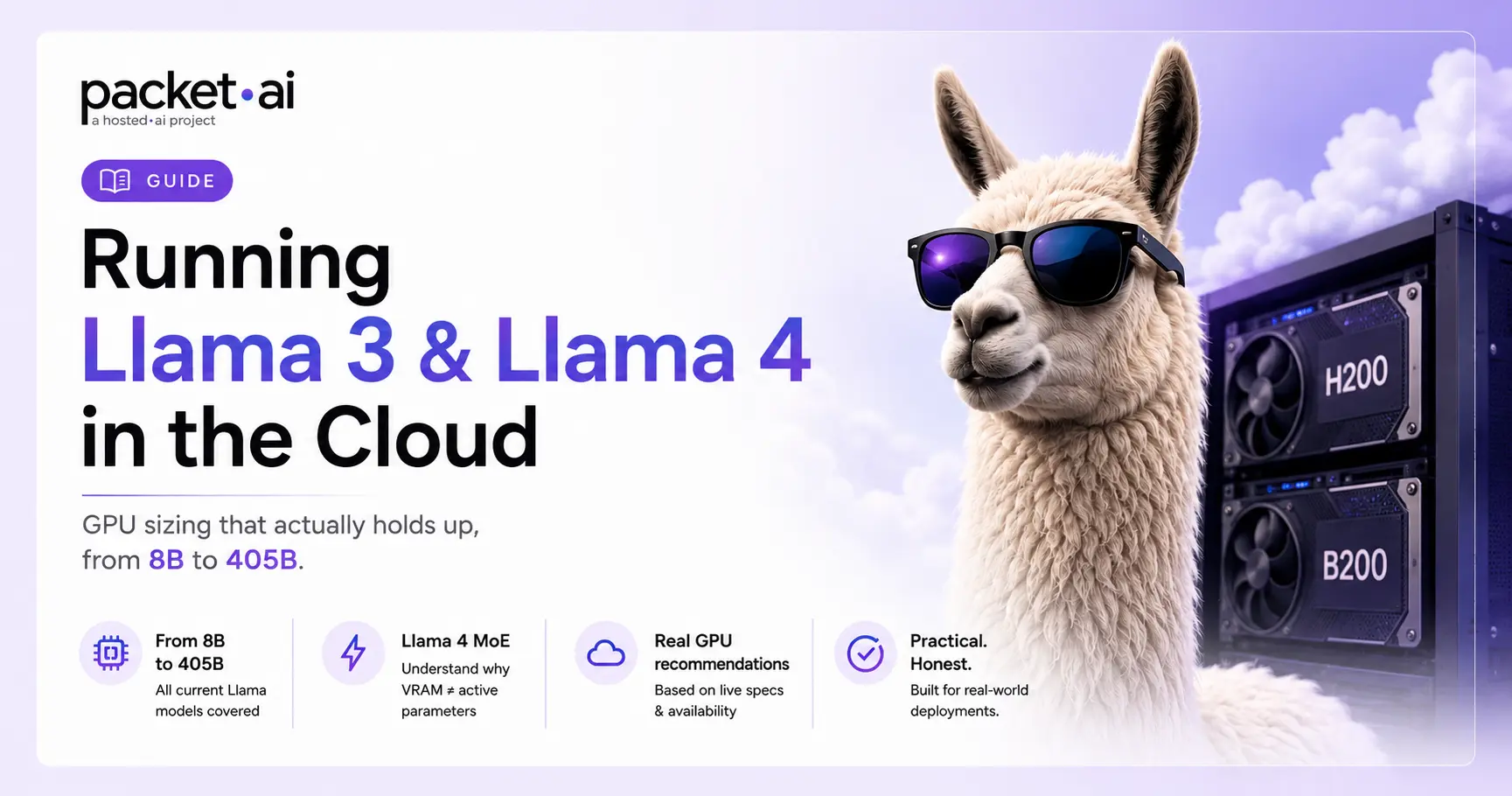
Running Llama 3 and Llama 4 in the Cloud: GPU Sizing From 8B to 405B

17B active parameters sounds small enough for any GPU. It isn't the number that actually decides your hardware. Here's the real VRAM math for every Llama model, 8B to 405B.

Author photo
packet.ai Team
July 20, 2026

GPU sizing for Llama depends on which model you mean: dense Llama 3 models (8B, 70B, 405B) scale VRAM directly with parameter count, while Llama 4's Scout and Maverick use a mixture-of-experts design where total parameters, not the smaller active count, determine what fits in memory.

Key takeaways

  • Llama 3.1 8B needs roughly 5GB at Q4 quantization or 16GB at FP16, comfortable on a single consumer GPU.
  • Llama 3.3 70B needs roughly 40-43GB at Q4 or around 140GB at FP16, a genuinely different tier of hardware.
  • Llama 3.1 405B needs roughly 243GB at Q4. At FP16, packet.ai's own B200 documentation confirms 192GB HBM3e is enough on a single card.
  • Llama 4 breaks the simple math: Scout (109B total, 17B active) needs 55-61GB at Q4 despite only activating 17B parameters per token, since the full parameter set has to sit in VRAM regardless.
  • Llama 4 Maverick (400B total, 17B active) needs roughly 200-224GB at Q4, similar VRAM to a dense 405B model despite far fewer active parameters.

Every Llama GPU sizing question runs into the same trap: parameter count alone doesn't tell you what you need. It depends on precision, and for Llama 4 specifically, it depends on understanding that "17B active parameters" is not the same number as "17B parameters in memory." This guide covers real VRAM figures across the current Llama lineup, from the smallest 8B model to the largest 405B, plus what changes with Llama 4's architecture.

Llama 3 VRAM Requirements: 8B to 405B

Llama 3.1 and 3.3 are dense models: every parameter activates on every token, so VRAM scales directly and predictably with parameter count and precision. This is the simpler half of the sizing question.

Model Q4 Quantized FP16
Llama 3.1 8B ~5 GB ~16 GB
Llama 3.3 70B ~40-43 GB ~140 GB
Llama 3.1 405B ~243 GB ~800+ GB

These figures cover model weights only. Context length adds on top, and it adds more than people expect: KV cache scales with context window size, so a long-context session on a 70B model can add tens of gigabytes beyond what the base weights need. Budget headroom above the weights-only figure, not right up to the edge of your GPU's VRAM.

Llama 4 and MoE: Why Active Parameters Aren't the Whole Story

Llama 4 Scout and Maverick use a mixture-of-experts architecture, a real departure from Llama 3's dense design. Both models route each token through only 17B active parameters out of a much larger total pool, Scout has 109B total parameters, Maverick has 400B, but every single parameter, active or not, has to be loaded into VRAM before inference starts.

⚡ Note

"17B active parameters" describes inference speed, not memory footprint. Scout generates tokens at roughly the speed of a dense 17B model, but still needs enough VRAM to hold all 109B parameters. This is the single most common mistake in Llama 4 hardware planning: assuming the active parameter count determines what GPU you need.

Model Total / Active Params VRAM at Q4
Llama 4 Scout 109B / 17B ~55-61 GB
Llama 4 Maverick 400B / 17B ~200-224 GB

The practical result: Scout, despite sounding lightweight at "17B active," needs more VRAM than a dense Llama 3.1 8B or even most of the way to a 70B model. Maverick needs roughly the same VRAM range as a dense 405B model at Q4, despite having far fewer active parameters doing the actual computation. Scout's standout feature is a 10 million token context window, the largest of any current open model, though a context window that large adds substantial KV cache on top of the base weights.

Matching a Llama Model to a GPU

Combining both tables above into the decision that actually matters: which card fits which model, at a quantization level you're comfortable with.

If you're running... Rent... VRAM
Llama 3.1 8B RTX 4090 24 GB
Llama 3.3 70B (Q4), or Llama 4 Scout RTX 6000 Pro 96 GB
Llama 3.3 70B (FP16, near full precision) A100 80GB 80 GB
Llama 3.1 405B (FP16), or Llama 4 Maverick B200 192 GB

The B200 deserves a direct callout for the largest tier: at 192GB of HBM3e, packet.ai's own B200 documentation confirms it's enough to run Llama 3.1 405B at FP16 on a single card, no multi-GPU splitting required, which is a meaningful simplification over the 4-8 card setups 405B has traditionally needed.

⚠ Watch out

The H200 (141GB HBM3e) is confirmed sufficient for Llama 3.1 70B at FP16 with no quantization needed, according to packet.ai's own H200 documentation. As of this writing, H200 is listed as coming soon on packet.ai, available by waitlist rather than on-demand. For 70B today, the RTX 6000 Pro or A100 80GB are the currently bookable options.

GPU Sizing Framework: Four Questions

Before picking a card, work through these in order.

1. Is this a dense model (Llama 3.x) or MoE (Llama 4)? Dense models scale VRAM with total parameters directly. MoE models need VRAM for total parameters regardless of what activates per token, so check the total parameter count, not the "active" number in the marketing copy.

2. What quantization level is acceptable? Q4 roughly quarters the FP16 footprint with a small, usually tolerable quality tradeoff. If quality loss isn't acceptable for your use case, budget for FP16 or Q8 instead.

3. How much context length do you need? KV cache adds to the base weight figure and grows with context window size. A model that "fits" at short context can run out of memory once you push context length up, especially relevant for Llama 4 Scout's 10M token window.

4. Is the GPU you want actually available today? Not every card on a spec sheet is bookable on-demand. Check current availability before planning a deployment timeline around a specific GPU.

Common Mistakes in Llama GPU Sizing

Sizing Llama 4 by active parameters instead of total parameters. "17B active" does not mean 17B-worth of VRAM. Scout's 109B total parameters and Maverick's 400B are the numbers that determine memory, not the active count.

Ignoring KV cache growth at long context. Weights-only figures look like they fit until context length is factored in, especially on models with very large context windows.

Assuming a spec-sheet GPU is bookable today. H200's specs are confirmed and public, but availability status matters just as much as the number on the page.

Treating Llama 3 and Llama 4 sizing math as interchangeable. A dense-model VRAM formula (parameters × bytes-per-parameter) works for Llama 3.x. It does not directly apply to Llama 4's MoE structure.

Deploying a Llama Model on packet.ai

Once you've matched a model to a GPU, packet.ai's Hugging Face TGI app template is a one-click way to get a production-ready inference server running without configuring the serving stack by hand. It's built for exactly this: loading a Hugging Face model, including any current Llama model, and serving it through a standard API.

1

Pick your GPU based on the sizing above

RTX 4090 for 8B, RTX 6000 Pro for 70B (Q4) or Scout, A100 80GB or B200 for the largest tiers.

2

Deploy the Hugging Face TGI template

A one-click app in packet.ai's catalog, built for production-ready text generation inference. Minimum 16GB VRAM, 48GB recommended, roughly 10 minutes to deploy.

3

Point it at the model you sized for

The template handles the serving stack. You supply the Hugging Face model identifier for whichever Llama variant your GPU choice supports.

Choose Dedicated for a standing inference service where predictable latency matters, or Dynamic if you're still testing which model size and quantization level actually meets your quality bar before committing. Current rates for every GPU covered here are on the packet.ai pricing page.

If you're deploying Llama through oobabooga or Ollama instead of a dedicated inference server, the same VRAM figures above apply directly, since both tools load and run the same underlying Llama model weights.

Frequently asked questions

Llama 3.3 70B needs roughly 40-43GB of VRAM at Q4 quantization, which fits an RTX 6000 Pro (96GB). At FP16 it needs roughly 140GB, which needs an A100 80GB with quantization or an H200 (141GB) at full precision, though H200 is currently waitlist-only on packet.ai rather than on-demand.
At Q4 quantization, Llama 3.1 405B needs roughly 243GB. At FP16, packet.ai's B200 (192GB HBM3e) is confirmed sufficient to run it on a single card, avoiding the multi-GPU setups 405B traditionally required.
No, and this is the most common misunderstanding with Llama 4. Scout activates 17B parameters per token, but all 109B total parameters must be loaded into VRAM regardless. At Q4 quantization, Scout needs roughly 55-61GB, not the much smaller figure a 17B dense model would need.
There isn't one universal answer, it depends on model size. An RTX 4090 covers Llama 3.1 8B. An RTX 6000 Pro (96GB) covers Llama 3.3 70B at Q4 or Llama 4 Scout. A B200 (192GB) covers Llama 3.1 405B at FP16 or Llama 4 Maverick. Match the card to the specific model and precision you're running, not a single default choice.
Yes, at Q4 quantization, on a single high-VRAM card like a B200 (192GB), since Maverick needs roughly 200-224GB at Q4. At FP16, Maverick's footprint grows well beyond what any single current GPU offers, and needs a multi-GPU setup instead.

Last reviewed: July 20, 2026. VRAM figures cross-referenced across multiple independent sources and, where available, packet.ai's own GPU documentation. Quantization method and context length both affect actual memory use; treat the figures above as planning ranges rather than exact guarantees.

Waste less compute.

Same models. Same API. Fraction of the cost. Start free — no credit card required.

Start Building →

More from the blog