
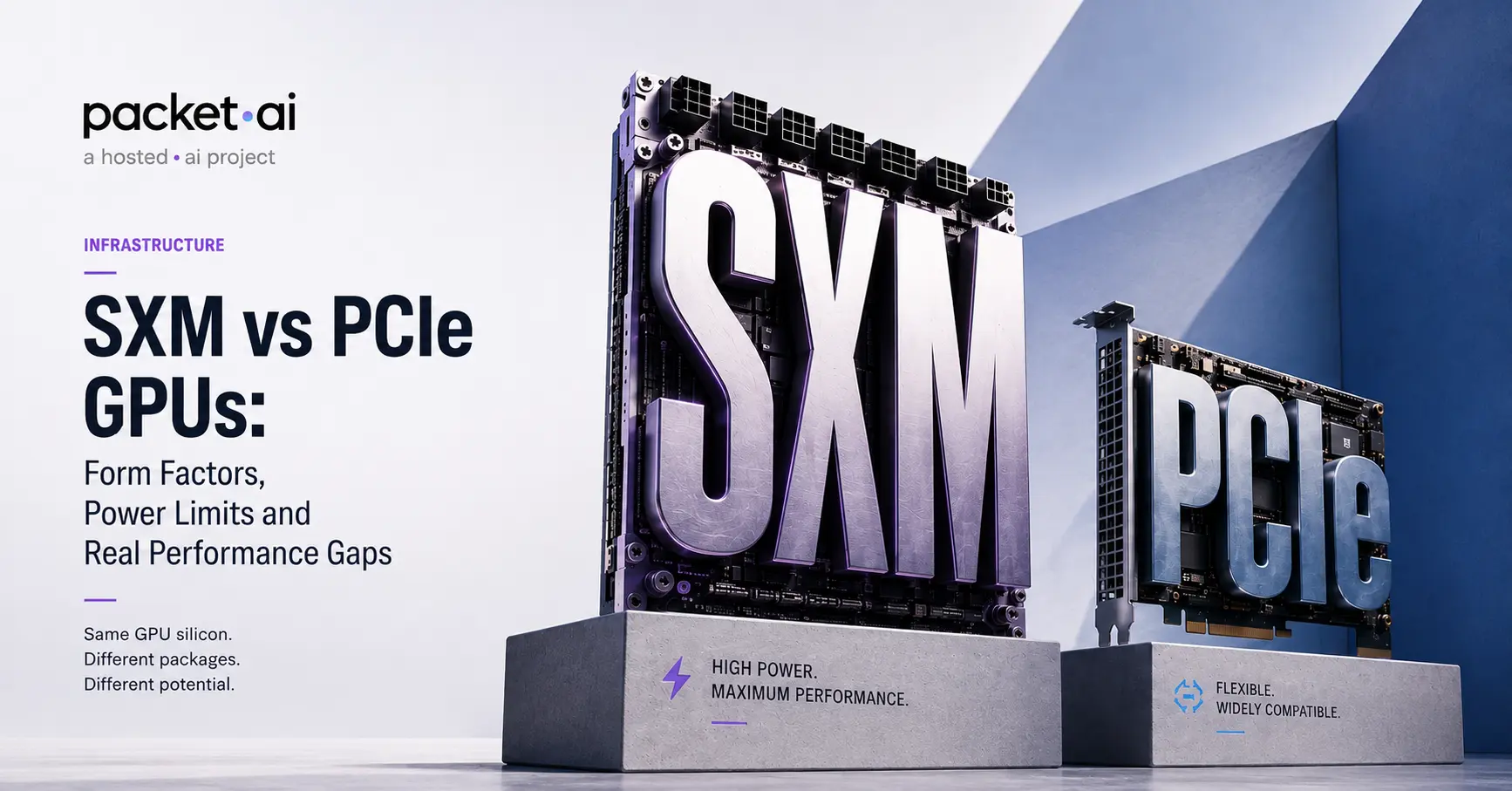
Same GPU silicon, two very different packages. Here is what SXM and PCIe actually require in power, cooling, and server hardware before you buy either.
SXM and PCIe are two different physical packages for the same GPU silicon. H100 SXM is a mezzanine module that plugs into a proprietary baseboard and runs at up to 700W, while H100 PCIe is a standard add-in card capped at 350W to fit ordinary servers. The same split applies to A100 (SXM 400W, PCIe 300W), and B200 ships in SXM form only, with no PCIe equivalent. The performance gap between SXM and PCIe comes from that power ceiling, not a different chip.
Key takeaways
"SXM vs PCIe" gets asked as if it's a performance question, but it starts as a physical and electrical one. The H100 SXM vs PCIe comparison is the clearest version of this: the same GH100 die ships as an H100 SXM and an H100 PCIe card, and the compute cores are identical. What differs is the package: how the GPU physically connects to the rest of the system through its socket, how much power it's allowed to draw, and what that power budget does to real-world throughput. This post covers the physical side: socket design, power limits, cooling, and what server you actually need to run each. For the bandwidth and interconnect side of the decision, the packet.ai NVLink vs PCIe guide covers that in full; this post won't repeat it.
PCIe (Peripheral Component Interconnect Express) is the standard expansion slot found in essentially every server built in the last two decades. A PCIe GPU is a discrete card: it has its own cooling shroud, slots into a PCIe x16 slot on the motherboard, and draws power through a combination of the slot and separate power connectors. Any server with a free PCIe x16 slot, adequate power delivery, and enough physical clearance can accept a PCIe GPU. This is what makes PCIe the default for standard data centers, workstations, and most cloud instances.
SXM (a name NVIDIA has used since the Kepler generation, now in its fifth iteration with the naming often shortened to just "SXM" regardless of exact revision) is a mezzanine form factor. An NVIDIA H100 SXM module is a bare board, not a shrouded card, with no cooling or power hardware of its own; it plugs directly into a proprietary baseboard through a high-density SXM socket connector. That baseboard, not a standard motherboard, handles power delivery, cooling interfaces, and the NVLink/NVSwitch fabric connecting multiple SXM modules together. SXM GPUs only work in servers specifically built around that baseboard, commonly NVIDIA's own HGX or DGX platforms, or OEM equivalents from Dell, Supermicro, Lenovo, and others licensed to build HGX-compatible systems. An H100 PCIe card, by contrast, is a conventional add-in card with no such requirement.
The practical difference: a PCIe H100 can go into almost any modern GPU-capable server. An SXM H100 requires a specific, qualified 4-GPU or 8-GPU baseboard system designed for it. You cannot buy a single SXM module and drop it into a generic rack server the way you can with a PCIe card.
The single biggest number that separates SXM from PCIe, generation after generation, is TDP (thermal design power), and it's not a small gap.
The H100 pattern is the clearest illustration: SXM draws exactly double the PCIe card's power budget, 700W versus 350W, from the same die. H100 specifically uses the SXM5 form factor, the fifth-generation revision of NVIDIA's mezzanine standard, and that extra headroom lets the SXM5 part run at higher sustained clocks under full load, which is most of where the SXM-vs-PCIe performance gap on compute-bound workloads actually comes from, separate from anything NVLink contributes on the multi-GPU side.
At the system level, that per-GPU gap compounds fast. An 8-GPU H100 SXM baseboard draws roughly 5,600W from GPUs alone, before CPUs, memory, storage, or networking. The same 8 GPUs in PCIe form draw about 2,800W. That's the difference between needing a standard rack PDU and needing dedicated high-density power distribution built for the rack.
Worth being direct about this since it trips people up: unlike A100 and H100, the B200 ships in SXM form only. There is no B200 PCIe card. NVIDIA's Blackwell-generation answer for standard PCIe servers is the RTX PRO 6000 Blackwell, a separate workstation-class GPU with its own die and specifications, not a lower-power B200 variant. If you see "B200 PCIe" listed anywhere with a price attached, treat it with suspicion; the more detailed manufacturer and OEM documentation consistently describes B200 as an SXM-only, HGX-baseboard product.
At 1000W TDP, this isn't really a surprising decision. A PCIe slot's standard power delivery (up to roughly 600W with auxiliary connectors on the newest specs) can't cleanly support a 1000W part anyway, so a PCIe B200 would have required either a meaningfully cut-down power target or new connector standards. NVIDIA instead kept the top-tier Blackwell part in the SXM lane where the baseboard is already built for high power delivery and liquid cooling, and pointed PCIe buyers toward a genuinely different GPU instead.
Power and cooling are the same problem viewed from two ends. Every watt a GPU draws becomes heat that has to leave the chassis, and the cooling method scales with how many watts there are to remove.
PCIe cards at 300-400W typically run on standard air cooling: heatsinks and case fans, the same approach used for any high-end server component. This is a major reason PCIe cards are easy to deploy into existing data center infrastructure; most facilities are already built around air cooling at this power density.
SXM changes this equation as power climbs. H100 SXM at 700W is commonly deployed with liquid cooling in dense configurations, though some air-cooled HGX H100 systems exist with heavier airflow requirements. B200 at 1000W removes the choice entirely: liquid cooling is mandatory, not optional, and air-cooled B200 deployments are not a supported configuration. This is why adopting SXM-class Blackwell hardware is as much a facilities decision as a GPU-buying decision. A data center without direct-to-chip liquid cooling or a cooling distribution unit (CDU) cannot run B200 SXM at all, regardless of budget.
⚡ Note
This is why "which GPU is faster" is often the wrong first question for a buyer evaluating SXM. The right first question is whether the facility can deliver the power and remove the heat at all. A faster GPU that can't be physically deployed isn't actually an option.
This is where the form factor difference becomes a procurement problem rather than a spec-sheet curiosity. PCIe GPUs are close to plug-and-play: if a server has a free PCIe x16 slot, sufficient PSU headroom, and physical clearance for the card's length and cooling shroud, it can run the GPU. This is true whether the server is a standard 2U or 4U rack unit from any major OEM.
SXM GPUs are never standalone purchases in a meaningful sense. They ship as part of a qualified system: NVIDIA's own HGX or DGX platforms, or OEM systems built to the HGX reference design (Dell, Supermicro, Lenovo, and others all sell HGX-compatible servers). The baseboard itself is a significant, non-trivial piece of engineering: it handles power delivery to every GPU module, the NVSwitch fabric connecting them, and the cooling interface. A team buying SXM hardware for the first time is buying a whole system architecture, not a GPU.
This has a direct consequence for anyone renting rather than buying: on a GPU cloud, SXM availability depends entirely on the provider having deployed HGX or DGX-class systems, since there's no way to retrofit SXM support into a standard PCIe-slot server. PCIe availability is far more common across providers precisely because it fits infrastructure that already exists.
SXM's baseboard is also what enables NVLink, NVIDIA's high-bandwidth GPU-to-GPU interconnect, since the baseboard physically wires the NVLink fabric between modules. PCIe cards either lack NVLink entirely or support a limited point-to-point NVLink bridge between two cards at most, nowhere near the full mesh SXM baseboards provide. This is genuinely the larger performance story for multi-GPU training and tensor-parallel inference, but it's a big enough topic that it has its own dedicated coverage. The packet.ai NVLink vs PCIe guide covers exact bandwidth figures, when interconnect becomes your bottleneck, and a full decision framework for tensor-parallel workloads. If bandwidth and multi-GPU scaling are the deciding factor for your workload, that post is the one to read next.
Setting bandwidth aside (covered elsewhere), the physical and infrastructure factors alone are often decisive.
✓ PCIe is the practical choice for
✓ SXM is the practical choice for
For most single-GPU or light multi-GPU inference work, PCIe remains the more accessible, more widely available, and operationally simpler choice, and the performance gap on those workloads is often smaller than the marketing materials imply. SXM earns its higher power budget and infrastructure demands specifically when a workload is compute-bound at scale or genuinely needs NVLink's bandwidth, not by default.
packet.ai offers PCIe-class cards live today, including the RTX 5090 and RTX 6000 Pro Blackwell, for single-GPU and light multi-GPU workloads that don't need a baseboard's power ceiling or NVLink. H100 SXM is currently listed as coming soon on packet.ai rather than live; if your workload specifically needs H100 SXM, the H100 page has a notify option for when it launches.
For SXM-class hardware that is live today, B200 is the option worth a closer look. It's the newest silicon packet.ai runs, it ships in SXM form only (no PCIe variant to weigh it against), and it's bookable now on both Dynamic ($3.75/hr) and Dedicated ($5.90/hr) tiers with full NVLink connectivity between GPUs. Since SXM systems only exist as part of a qualified multi-GPU platform, renting a B200 sidesteps the biggest practical barrier to using SXM hardware at all: you don't need to have already built or bought a liquid-cooled HGX chassis to get access to one.
Last reviewed: August 3, 2026. For the bandwidth and interconnect side of this decision, see the NVLink vs PCIe guide. Browse B200 and other live GPU options on packet.ai.
Same models. Same API. Fraction of the cost. Start free — no credit card required.
Start Building →
.webp)