
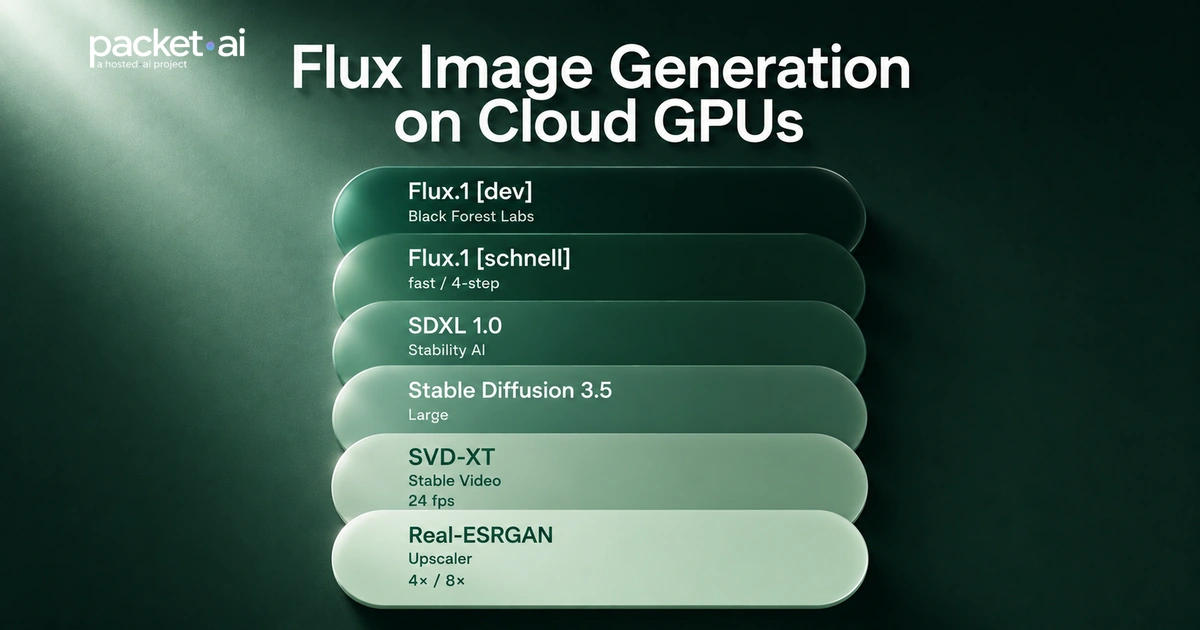
Flux.1 Dev in FP8 needs 18–23 GB VRAM and generates in 9–10 seconds on an RTX 4090 at $0.39/hr. Full VRAM table for Flux.1 Schnell, Dev, FLUX.2 [klein] 4B and 9B, and every precision level. Real cost per image at packet.ai rates.
Flux.1 Dev in FP8 needs 18–23 GB of VRAM and generates an image in 9–10 seconds on an RTX 4090. At packet.ai's $0.39/hr, that works out to roughly $0.11 per 100 images. The L40S 48GB runs Flux.1 Dev at full BF16 quality (30–33 GB), the only sub-$1/hr cloud GPU that does. This guide maps every Flux variant to a GPU, a precision level, and a real cost per image.
Key takeaways
Flux from Black Forest Labs has become the dominant open-weight image generation model in 2026. It uses a 12B-parameter Diffusion Transformer (DiT) architecture that is significantly more VRAM-hungry than SDXL's UNet. This guide covers the exact VRAM requirements for every Flux variant, generation speed benchmarks across the RTX 4090, L40S, and A100 80GB, and the real cost per image at packet.ai rates.
For full VRAM requirements across LLM inference, fine-tuning, and image generation, see the packet.ai VRAM requirements guide. For ComfyUI setup on a cloud GPU, the ComfyUI GPU guide covers Docker installation and workflow configuration. For a fully managed image and video generation environment, packet.ai's Pixel Factory runs Flux models without any infrastructure setup.
Flux.1 Dev and FLUX.2 [klein] are the quality benchmarks for open-weight image generation in 2026. SDXL remains relevant for its ecosystem: thousands of community LoRAs, mature ControlNet support, and an 8 GB VRAM floor that Flux cannot match. If you need a specific SDXL LoRA or ControlNet that has no Flux equivalent, SDXL is still correct. For everything else, Flux produces better images.
| Model | Architecture | Min VRAM | Steps | License | Best for |
|---|---|---|---|---|---|
| SDXL 1.0 | UNet | 8 GB | 20 | Open | Large LoRA ecosystem, budget GPU |
| Flux.1 Schnell | DiT 12B | 12 GB (FP8) | 4 | Apache 2.0 | Fast iteration, commercial use |
| Flux.1 Dev | DiT 12B | 18 GB (FP8) | 20–28 | Non-commercial | Best quality single model, 2026 standard |
| FLUX.2 [klein] 4B | DiT 4B | 13 GB (FP16) | 4 | Apache 2.0 | Fast + commercial, runs on 16 GB GPU |
| FLUX.2 [klein] 9B | DiT 9B | 17 GB (FP8) | 4 | Non-commercial | Best FLUX.2 [klein] quality, needs 24 GB+ |
FLUX.2 [klein] (January 2026) matters specifically because the 4B variant is Apache 2.0 licensed, generates in about 1 second on an RTX 4090, and needs only 13 GB at FP16. For commercial licensing and speed, FLUX.2 [klein] 4B on an RTX 4090 is now the default choice.
VRAM usage for Flux is not just the model weight size. During generation, the GPU holds the diffusion backbone, the VAE decoder, two text encoders (CLIP-L and T5-XXL), and working memory for the attention states. VRAM also scales with resolution: at 2048x2048, expect 30–40% more VRAM than at 1024x1024.
| Model | BF16 / FP16 | FP8 (recommended) | GGUF Q4 | Min GPU |
|---|---|---|---|---|
| Flux.1 Schnell | ~24 GB | ~12 GB | ~6–8 GB | RTX 4090 (FP8) |
| Flux.1 Dev | ~30–33 GB | ~18–23 GB | ~7 GB | RTX 4090 (FP8) or L40S (BF16) |
| FLUX.2 [klein] 4B | ~13 GB | ~8 GB | ~4–5 GB | RTX 4090 / L40S (FP16) |
| FLUX.2 [klein] 9B | ~29 GB | ~17 GB | ~8–9 GB | L40S (BF16) or RTX 4090 (FP8) |
| Flux.1 Dev + 2x ControlNet + LoRA | ~40+ GB | ~28–32 GB | N/A | L40S 48GB or A100 80GB |
Each ControlNet adds 1–3 GB to the total VRAM budget. An IP-Adapter adds 2–4 GB. On a 24 GB RTX 4090 running Flux.1 Dev FP8 at 18–23 GB, adding one ControlNet brings total usage to 20–26 GB, at the limit. On an L40S 48 GB, the same pipeline runs with 16–26 GB of headroom, eliminating all VRAM management during complex multi-ControlNet ComfyUI workflows.
Diffusion model inference is memory-bandwidth-bound: each denoising step reads the full weight tensor from VRAM. The RTX 4090's 1,008 GB/s GDDR6X bandwidth gives it a throughput advantage over the L40S's 864 GB/s GDDR6 for single-image generation at the same precision. The L40S's advantage is its 48 GB VRAM ceiling, which enables BF16 quality and batch sizes the RTX 4090 cannot reach.
Flux.1 Dev, 20 steps, 1024x1024: RTX 4090 at FP8, L40S and A100 at BF16 (best practical precision per GPU)
Measured in ComfyUI, 1024x1024, batch 1. Times vary with torch.compile, ComfyUI overhead, and ControlNet count.
| GPU | VRAM | Max precision (Dev) | Time/image | packet.ai | Cost / 100 imgs |
|---|---|---|---|---|---|
| RTX 4090 | 24 GB | FP8 | ~9–10 sec | $0.39/hr | ~$0.11 |
| L40S 48GB | 48 GB | BF16 (full quality) | ~7–8 sec | $0.92/hr | ~$0.21 |
| A100 80GB | 80 GB | BF16, multi-model | ~5–7 sec | $1.43/hr | ~$0.28 |
| H200 141GB | 141 GB | BF16, 4+ concurrent | ~3–5 sec | Launching Soon | ~$0.35 |
For single-image Flux.1 Dev FP8, the RTX 4090 is cheapest per image. For BF16 quality, batch production, or concurrent ControlNet pipelines, the L40S is the correct card. The $0.53/hr gap pays back immediately when BF16 precision is a requirement, since the RTX 4090 cannot run Flux.1 Dev at BF16 at all.
Kohya's fused backward pass (v0.9+) reduced peak VRAM for Flux.1 LoRA training to 16 GB for standard 1024x1024 images. On a 24 GB RTX 4090, a Flux.1 LoRA with 20–30 captioned images at rank 16 takes 1–3 hours. For LLM LoRA fine-tuning costs on the same GPU, see the LLM fine-tuning cost guide.
| Training task | Min VRAM | Best GPU | Time | Cost on packet.ai |
|---|---|---|---|---|
| SDXL LoRA | 12 GB | RTX 4090 | 1–2 hr | $0.39–$0.78 |
| Flux.1 LoRA (Kohya v0.9+) | 16 GB | RTX 4090 | 1–3 hr | $0.39–$1.17 |
| Flux.1 LoRA (high rank, 48+ images) | 24 GB | L40S 48GB | 2–6 hr | $1.84–$5.52 |
| Flux full DreamBooth fine-tune | 48 GB+ | A100 80GB | 4–12 hr | $5.72–$17.16 |
RTX 4090 ($0.39/hr)
L40S 48GB ($0.92/hr)
| Use case | Best GPU | Why | Cost |
|---|---|---|---|
| Flux.1 Dev FP8 single image | RTX 4090 | Cheapest per image, fits FP8 | $0.39/hr |
| Flux.1 Dev full BF16 quality | L40S 48GB | Only sub-$1/hr GPU that fits BF16 | $0.92/hr |
| Flux.1 + multi-ControlNet ComfyUI | L40S 48GB | 24+ GB headroom for addon stack | $0.92/hr |
| FLUX.2 [klein] 4B (commercial, fast) | RTX 4090 | 13 GB FP16, ~1 sec/image | $0.39/hr |
| Flux LoRA training (Kohya) | RTX 4090 | 16 GB min, $0.39/hr, 1–3 hr run | $0.39–$1.17 |
| Batch API serving, 10+ concurrent | A100 80GB | ECC, 80 GB, HBM2e throughput | $1.43/hr |
| 4K resolution or 4+ concurrent models | H200 141GB | 141 GB eliminates all VRAM limits | Launching Soon |
Last reviewed: 28 July 2026. Rent an RTX 4090 from $0.39/hr for Flux.1 Dev FP8, or an L40S 48GB from $0.92/hr for full BF16 quality on packet.ai. Browse all available clusters. No minimum commitment.
Same models. Same API. Fraction of the cost. Start free — no credit card required.
Start building →
.webp)