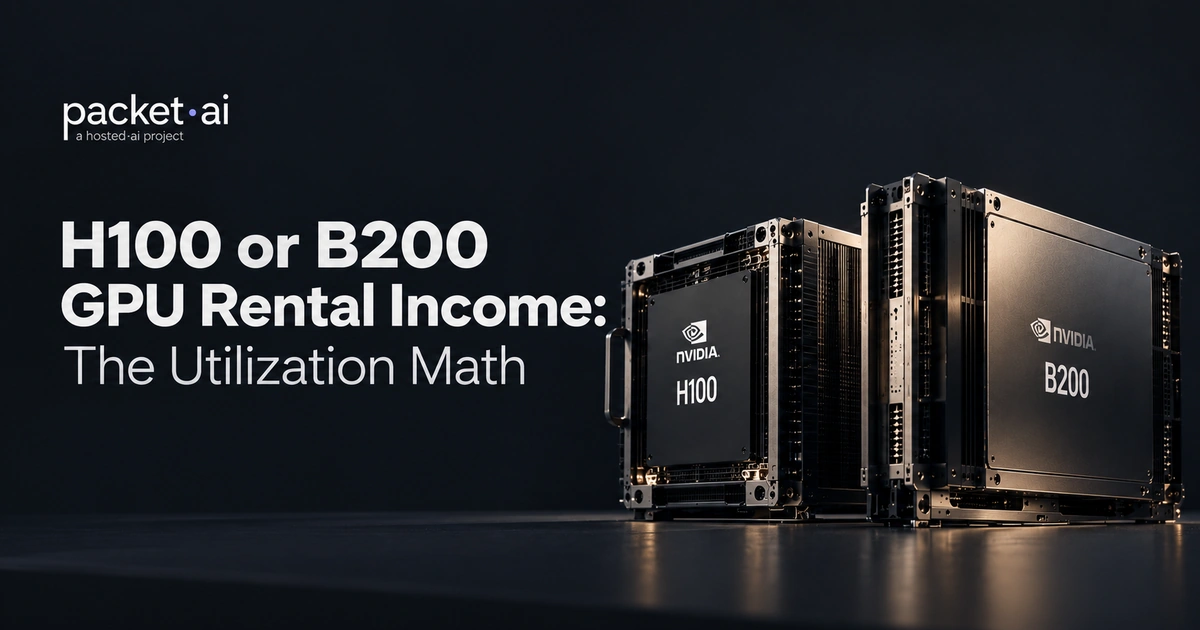
The H100 vs B200 decision comes down to one number: 80 GB versus 192 GB. If your model fits in 80 GB, H100 is the more cost-efficient choice. If it does not, B200 is the only single-GPU option, and its FP4 inference makes cost per token lower even at a higher hourly rate.
The H100 vs B200 comparison matters because most GPU procurement decisions in 2026 come down to exactly these two chips. The NVIDIA B200 vs H100 question is not just about specs on a slide: it is about which GPU actually fits your model size, budget, and data center. The H100 is the Hopper-generation workhorse that has powered production LLM training and inference since 2022. The B200 is the Blackwell successor, with a dual-die chiplet design, 192 GB of HBM3e, and native FP4 precision that H100 cannot match.
This guide covers the architecture differences, real benchmark data from MLPerf, CUDA compatibility details most comparisons skip, and a workload-by-workload decision framework. No marketing multipliers. Only sourced numbers.
Start with the specs. These are the numbers that decide whether a GPU fits your workload before you run a single benchmark.
The Blackwell vs Hopper GPU comparison starts at the die level. The B200 is not a refresh of the H100. It is a different chip built on a different design philosophy. NVIDIA moved from a single monolithic die to a dual-die chiplet on TSMC's 4NP process, which is how they reached 208 billion transistors without hitting reticle limits.
H100's 4th-generation Tensor Cores added the first Transformer Engine, which automated FP8 mixed precision for transformer workloads. B200's 5th-generation Tensor Cores add a second-generation Transformer Engine that handles FP4 and FP6 micro-scaling automatically. FP4 halves the bytes per parameter versus FP8. That is the core reason B200 inference throughput numbers look so different from H100.
H100 cannot do FP4. That is not a software limitation waiting for a patch. It is a hardware precision that Blackwell introduced and Hopper does not support.
Memory capacity determines what you can run on a single GPU before tensor parallelism is required. A 70B model at FP16 needs roughly 140 GB. On H100, that forces 2-GPU serving with all the communication overhead that brings. On B200, it fits on one card with 52 GB to spare for KV cache.
Long-context workloads make this gap worse. A 70B model with a 128K context window generates 30 to 50 GB of KV cache. On H100's 80 GB, you either sacrifice precision or reduce batch size to fit. B200's 192 GB handles both the model and the cache at production batch sizes.
H100's NVLink 4.0 delivers 900 GB/s bidirectional bandwidth between GPUs. B200's NVLink 5.0 doubles that to 1.8 TB/s. The difference is most visible in tensor-parallel inference across multiple GPUs, where activation tensors move between GPUs on every forward pass. Faster NVLink means fewer cycles spent waiting on inter-GPU communication and more cycles spent on compute.
These numbers come from named MLPerf submissions and published benchmarking, not vendor slides.
In MLCommons MLPerf Inference v5.1, Lambda's HGX B200 clusters achieved 3 to 4x higher throughput versus the best HGX H200 submissions on Llama 3.1 405B offline and Llama 2 70B server scenarios. CoreWeave's MLPerf Inference v5.0 submission showed H200 delivering roughly 40% more Llama 2 70B throughput than the best H100 result from the prior round. Stacking those two data points gives a rough 4 to 5x gap between H100 and B200 on large-model inference.
On training, independent benchmarking labs consistently report B200 throughput at 2 to 2.5x H100 for 70B-parameter runs. That comes from three factors working together: higher FP8 compute, larger batch sizes made possible by 192 GB of memory, and faster gradient synchronization over NVLink 5.0.
H100 is not standing still. NVIDIA's MLPerf Inference v5.0 commentary documents software optimizations including GEMM kernel tuning, chunked prefill, and pipeline parallelism improvements in TensorRT-LLM that lifted H100 Llama 2 70B throughput by up to 1.5x in one year with no hardware changes. Teams already on H100 are not stuck with 2023-era performance numbers.
Memory decides deployment topology more than any benchmark. Here is what fits on each GPU at common precisions before you reach for multi-GPU serving.
Fewer GPUs per model means simpler serving topology, lower inter-GPU communication overhead, and one less failure mode in production. Running Llama 3.1 405B on 3 B200s instead of 6 H100s also means 3 fewer GPUs to provision, monitor, and pay for.
B200 on packet.ai runs Llama 3.1 405B at FP8 across 3 GPUs versus the 6-plus H100s required for the same model at the same precision.
The H100 is cheaper per GPU-hour. The B200 is often cheaper per token. These are different questions, and the answer depends on your model size and utilization rate.
If your model is a 7B or 13B parameter model that runs comfortably on one H100 with headroom to spare, paying B200 rates delivers no throughput benefit. H100 wins on cost per token. If your model is 70B or larger, B200's FP4 inference serves 3 to 4x the tokens per GPU-hour. Even at a higher hourly rate, cost per million tokens comes out lower on B200 for larger models at high batch sizes.
Teams that want to skip the GPU provisioning decision entirely can use packet.ai Token Factory, which serves Llama, Qwen, and DeepSeek models via an OpenAI-compatible API from $0.10 per million tokens.
Most comparison articles price these GPUs as hardware purchases. If you are renting by the hour, those numbers are not useful. Here is what rental actually costs on packet.ai.
B200 Dynamic at $3.75/GPU-hr over 730 hours works out to approximately $2,738 per GPU per month. Hyperscalers charge $10,000 to $14,000 per GPU per month for the same B200 silicon. See the full B200 pricing breakdown for the cross-provider comparison. For context on billing model tradeoffs independent of GPU generation, see how on-demand, reserved, and spot pricing models compare.
This section is the one most comparison guides skip. It is also the one that causes the most production pain the first week a team touches a B200.
H100 uses CUDA compute capability 9.0 (sm_90). B200 uses compute capability 10.0 (sm_100). These are different major versions. A binary compiled only for sm_90 does not run on sm_100 hardware. A driver update does not fix this. The binary needs to be rebuilt.
The fix is straightforward once you know what to do. Install PyTorch with a cu128 or cu129 index URL. Check that torch.cuda.get_device_capability() returns (10, 0). Rebuild any custom CUDA kernels with TORCH_CUDA_ARCH_LIST set to include 10.0.
For framework-level code that does not involve custom kernels, the migration from H100 to B200 is mainly a dependency version update. vLLM, TensorRT-LLM, and Hugging Face Transformers already support Blackwell. FP4 inference in TensorRT-LLM is a precision flag, not a code change.
The right GPU depends on four things: model size, infrastructure readiness, how urgently you need capacity, and whether cost per GPU-hour or cost per token is the metric that actually matters to your team.
If your workload sits in the middle, the H200 packet.ai carries 141 GB of HBM3e on the same Hopper die as the H100. It drops into existing Hopper tooling with no kernel changes and costs less than B200 per GPU-hour. Worth comparing directly if memory is the constraint but Blackwell's cooling requirements are not something you can meet yet.
For a real-world look at how Blackwell density translates to serving capacity, see how eight LLMs run simultaneously on a single Blackwell server using the RTX PRO 6000.
Two related SKUs worth clarifying: the B100 is a lower-power Blackwell variant below B200 in the product stack. The GB200 combines two B200-class GPU dies with a Grace CPU on a single NVLink-connected board, used in the NVL72 rack-scale system. Neither is the same product as a standalone B200 node.
B200's dual-die design draws 1,000W TDP per GPU. H100 draws 700W. The difference compounds at cluster scale: dense B200 racks can exceed 50 kW, which standard air-cooled infrastructure cannot handle. B200 requires direct-to-chip liquid cooling by design.
H100 works with air-cooled or liquid-cooled racks. That flexibility matters for teams in facilities that were not built for the thermal demands of Blackwell-generation hardware.
The infrastructure constraint is not a reason to avoid B200. It is a deployment planning question. Teams that need B200 but cannot retrofit cooling should plan that timeline alongside their capacity timeline. Those ready to provision multi-node Blackwell clusters today can browse available cluster configurations on packet.ai or request a wholesale quote for a multi-node cluster.
Last reviewed: July 14, 2026. Pricing verified against packet.ai live listings at time of writing. Ready to provision? Browse available GPU clusters on packet.ai.
Same models. Same API. Fraction of the cost. Start free — no credit card required.
Start Building →