Langflow barely needs a GPU at all. The model behind your flow is the real hardware decision, and here's how to size for both without touching your own machine.
Langflow itself barely needs a GPU at all, packet.ai's own app template runs it comfortably on 4-8GB of VRAM. The GPU decision that actually matters is the model you connect to your flow, and running both in the cloud means skipping local setup entirely.
Key takeaways
Most guides to visual LLM builders skip the one question that actually matters before you start: what hardware does this need? For Langflow, the honest answer has two parts, and conflating them is where people get confused about cost and setup.
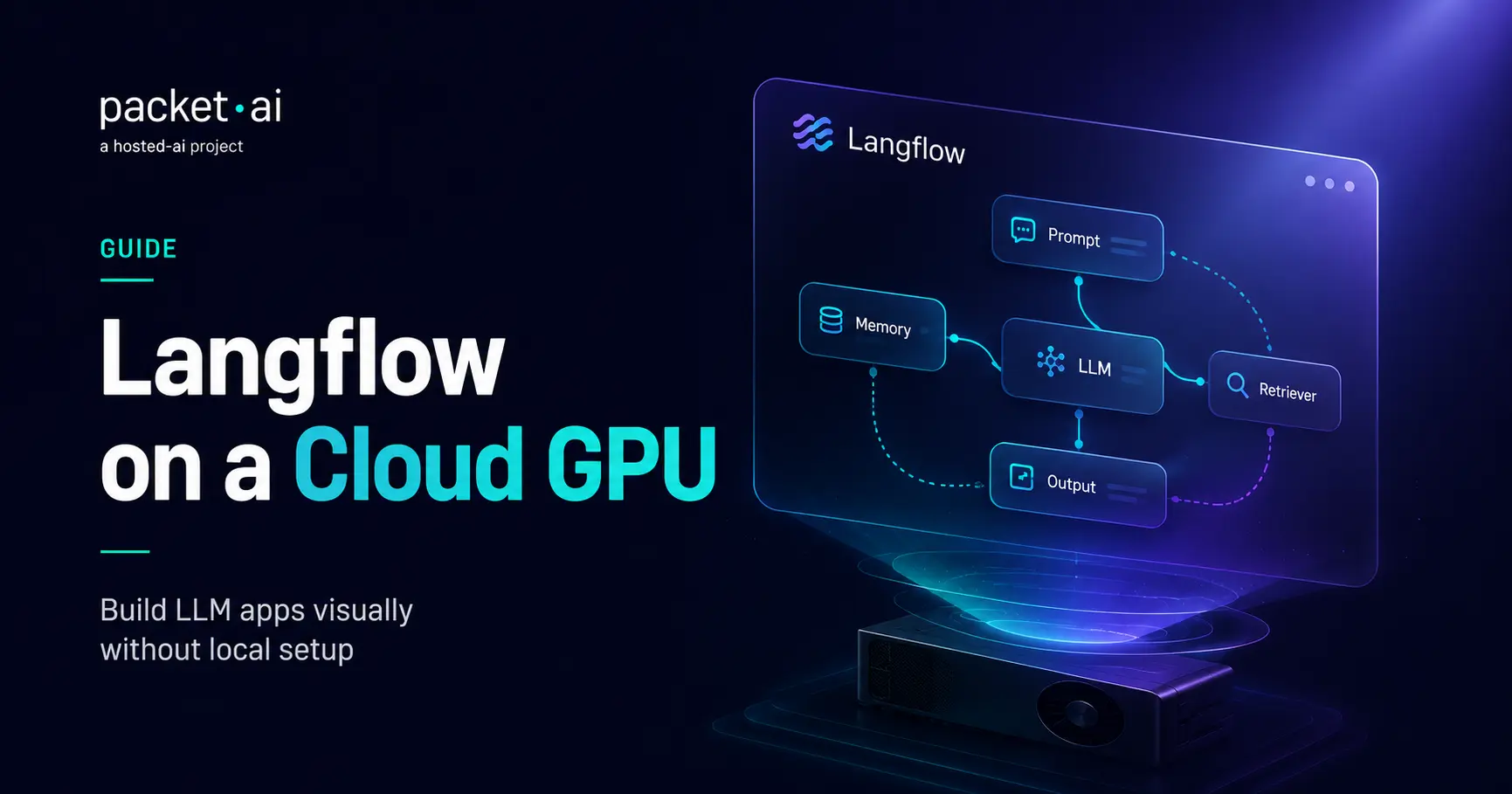
Langflow is not a replacement for LangChain, it's LangChain with a visual layer on top. When you drag components onto Langflow's canvas and connect them, you're building the same chains, agents, and retrievers LangChain uses under the hood. Export a flow and inspect the generated code, and you're looking at standard LangChain Python.
This matters for expectations going in. If you're comparing the two as competing frameworks, you're asking the wrong question. The real comparison is: write the LangChain code by hand, or build the same logic visually and let Langflow generate it. Teams that already know LangChain's abstractions sometimes skip straight to code. Teams prototyping, iterating quickly, or including non-developers in the process get more value from the visual layer.
Langflow itself is an orchestration and UI layer, not a model. It doesn't run inference, it calls out to whatever LLM you've configured in your flow, whether that's a hosted API or a model running elsewhere. That's why its own hardware footprint is small.
4-8GB of VRAM is a fraction of what any serious LLM needs. That's not an oversight, it's accurate: Langflow's own compute needs are for running the visual editor, the playground, and light request handling, not for generating tokens. The lowest tier of packet.ai's GPU lineup covers this comfortably with room to spare.
Once Langflow is running, the actual GPU question shifts entirely to what you connect it to. If your flow calls a hosted API (OpenAI, Anthropic, or similar), Langflow's own small footprint is the whole story, you don't need extra VRAM for the model at all since it isn't running on your hardware.
If your flow calls a self-hosted model instead, that model's size is what determines your GPU, using the exact same VRAM math as running that model on its own. A flow that routes to a 7B model needs roughly what a 7B model needs standalone, with Langflow's own small overhead added on top.
⚡ Note
Don't size your GPU by Langflow's own requirements if your flow calls a self-hosted model. An RTX 4090 covers Langflow plus most 7B-13B models comfortably. Larger models need the same sizing you'd use running them directly, regardless of Langflow sitting in front.
Docker is the standard way to run Langflow anywhere outside a local Python environment, cloud instance or otherwise.
docker run -d --name langflow \
  -p 7860:7860 \
  -v langflow_data:/app/langflow \
  langflowai/langflow:latest
This pulls the current image, exposes it on port 7860, and persists your flows in a named volume so they survive a container restart. Once running, Langflow is reachable at your instance's address on that port, the same interface whether you're running it locally or on a cloud GPU.
The tradeoff with running it yourself: you're managing the container, the port, and any reverse proxy or auth layer if you want it reachable beyond your own network. A one-click app template skips that setup entirely, since the deployment and networking are already configured.
Flowise is the other visual builder people compare Langflow to most often, and the real difference is less about capability and more about ecosystem and cost model. Flowise offers more polished step-by-step tutorials for newcomers, while Langflow stays fully free to self-host. Flowise's hosted option moves to a paid tier fairly quickly, which makes self-hosted Langflow the more cost-effective path for smaller projects, provided you're comfortable handling deployment yourself, or using a template that handles it for you.
Both are visual layers over similar underlying LLM orchestration concepts. The choice mostly comes down to which component library and integration set matches what you're building, not a large gap in what either tool can fundamentally do.
packet.ai's Langflow app template deploys the current version with the setup already configured, no Docker commands or port management required. It's built for exactly the workload profile Langflow actually has: light, fast to start, and ready in about 5 minutes.
Deploy the Langflow template
One click from packet.ai's app catalog. No local Python environment, no dependency setup.
Connect your flow to a model
A hosted API needs nothing further on the GPU side. A self-hosted model needs its own sizing, covered in packet.ai's general VRAM requirements guide.
Choose Dynamic or Dedicated based on how you're using it
Prototyping and iteration fit the Dynamic tier. A standing flow a team relies on fits Dedicated, with a 99.99% SLA.
The infrastructure question here was never really "how much GPU does Langflow need." It's "what does the model behind my flow need," and that answer changes depending on what you connect. Get that distinction right and the rest of the sizing decision follows on its own.
packet.ai's full app catalog includes several other one-click templates worth knowing about alongside Langflow, including oobabooga if you want a model interface without building a flow yourself. Current rates for every GPU tier are on the pricing page.
If your flow calls a self-hosted model rather than a hosted API, packet.ai's VRAM requirements guide covers sizing for most current models, and the Llama-specific sizing guide if that's the model family behind your flow.
Last reviewed: July 22, 2026. Langflow version and Docker commands confirmed against current official documentation. App template specs confirmed against packet.ai's own catalog.
Same models. Same API. Fraction of the cost. Start free — no credit card required.
Start Building →