Noisy neighbor problem on GPU cloud: why your p99 doubles when a co-located tenant saturates the PCIe fabric, and the four checks that prove it.
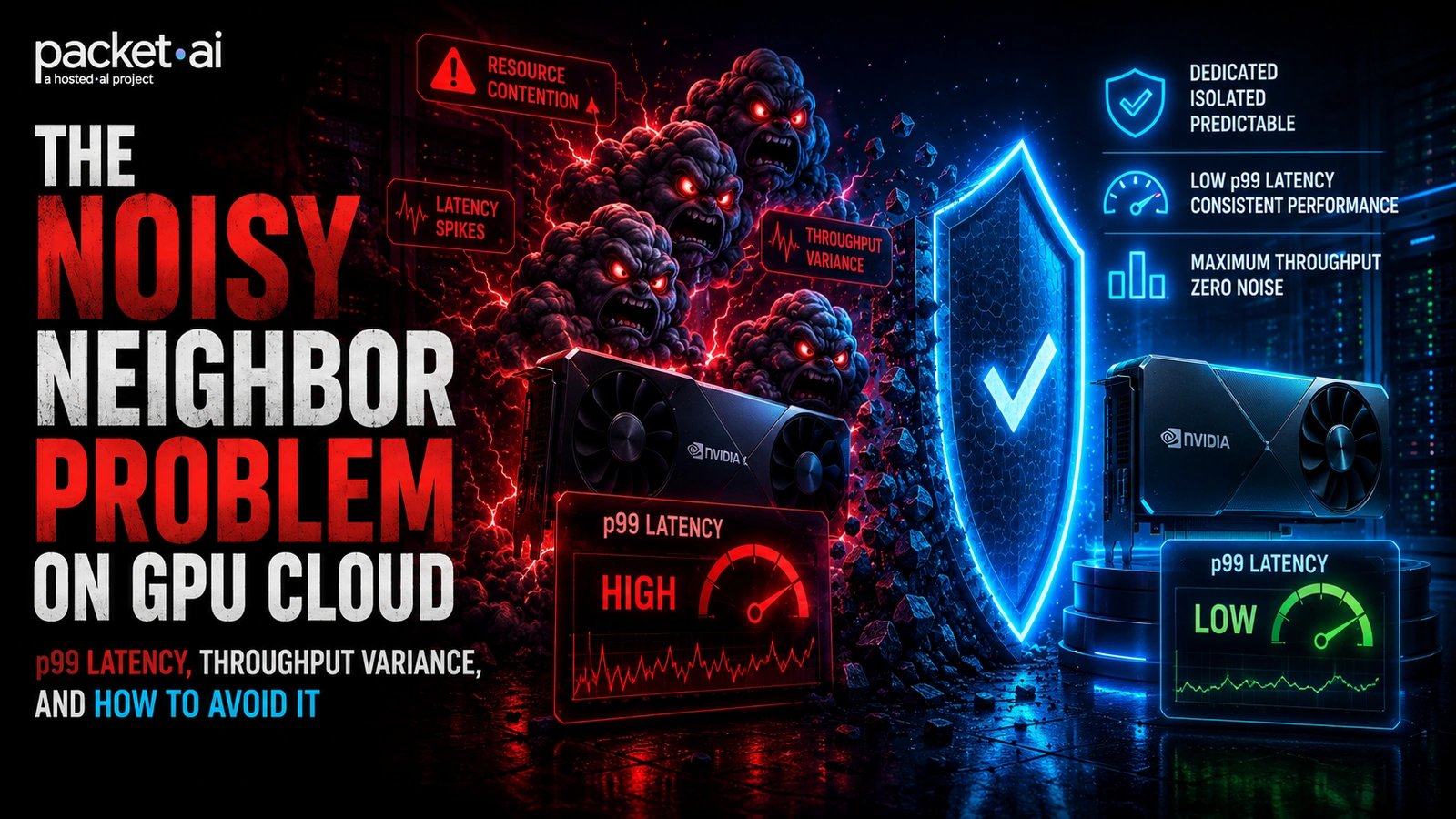
The noisy neighbor problem in GPU cloud occurs when a co-located tenant's workload consumes shared CPU, PCIe bandwidth, or memory resources, pushing your p99 inference latency 3 to 4x above your median and causing throughput to drop by as much as 56 percent under combined contention.
Key takeaways
Your deployment is clean. The model version is pinned. Your GPU utilization dashboard shows nothing unusual. But your p99 TTFT just doubled and your customer success channel is on fire. The honest answer is that it is the provider. Another tenant on your shared host ran a burst job, saturated the PCIe fabric or CPU memory bandwidth, and your inference latency spiked with it. This is the noisy neighbor problem, and it is the part of GPU cloud that pricing pages do not explain.
This post explains what causes it at the hardware level, what the measured impact looks like on GPU workloads specifically, how to detect it in a running instance, and when to move to a dedicated GPU server versus staying on shared infrastructure. For context on how virtualization mode affects isolation in the first place, the post on GPU passthrough vs vGPU vs MIG covers the underlying mechanisms.
The noisy neighbor problem occurs when a co-located tenant on the same physical host consumes a disproportionate share of a shared resource, degrading performance for everyone else on the machine. In traditional cloud computing, the contested resources are CPU, memory bandwidth, disk I/O, and network. In GPU cloud, the same vectors apply at the host level, plus a GPU-specific one: PCIe bandwidth between the host CPU and the GPU.
The key distinction is what is actually shared. On a properly implemented GPU cloud platform, the GPU itself can be isolated via passthrough with nothing between your workload and the silicon. But the host machine around that GPU is still shared: the CPU cores handling data loading and preprocessing, the system RAM, the NVMe storage for checkpoints and datasets, the PCIe bus connecting CPU to GPU, and the network interface. A tenant running a heavy data ingestion pipeline or a checkpoint-heavy training job can saturate any of these without touching your GPU at all.
The GPU-specific interference vector
PCIe contention is unique to GPU workloads. When multiple workloads on the same host transfer data between CPU memory and GPU memory simultaneously, they compete for the shared PCIe lanes. A tenant running prefill on a large batch floods the bus; your decode step stalls waiting for the next KV cache token to arrive. The GPU shows busy, but your TTFT spikes because the data pipeline is backed up on the PCIe fabric.
The scale of noisy neighbor degradation is larger than most teams expect before they measure it themselves.
A 2026 study using controlled experimentation across 10 independent rounds on a Kubernetes testbed measured performance degradation under combined noisy neighbor stress. CPU-bound and memory-bound tenants both showed approximately 56 percent CPU degradation. Disk-bound workloads saw the most severe impact: 67 percent I/O performance loss with low measurement variance, confirming this was systematic rather than intermittent (arXiv 2604.03145).
For LLM inference specifically, a noisy neighbor NIC or an overloaded shared load balancer can push p99 latency 3 to 4x above the median even when the GPU itself is not contended, according to Spheron's LLM Inference SLO Engineering guide published in May 2026.
The performance gap between virtualized shared infrastructure and bare metal or dedicated GPU instances can reach 30 percent on TTFT and tail latency under production load conditions, according to GMI Cloud's inference provider benchmark published in February 2026.
The research also found cross-resource cascade effects. Under combined noisy neighbor stress, the victimized tenant showed a 13 percent increase in disk I/O, a compensatory effect where CPU throttling created processing backlogs that surfaced as queued I/O. Contention in one resource triggers secondary degradation in others.
Not all GPU workloads are equally vulnerable. The exposure depends on what the workload actually does outside the GPU compute step.
Production inference APIs are the highest-risk category. A customer-facing vLLM or TGI serving endpoint that commits to a p99 TTFT SLA in its product contract has zero tolerance for the latency spikes noisy neighbors produce. A single co-located tenant running a large prefill batch can saturate the PCIe fabric for tens of milliseconds, which on a 100ms TTFT budget is catastrophic. CoreWeave's infrastructure engineering team noted in July 2026 that benchmarks measure isolated runs under ideal conditions, while production brings noisy neighbors that cause p99 to be several times what the benchmark promised.
Data-heavy training runs are the second most affected category. A training job on an 8-GPU H100 or B200 node that streams datasets from NVMe or object storage during training is sensitive to disk I/O and CPU contention from neighbors. The GPU utilization chart stays high but effective MFU drops as the data pipeline backs up.
Checkpointed batch training is the most resilient. A job that saves checkpoints and can tolerate occasional slowdowns without losing work can often run acceptably on shared infrastructure. The occasional p99 spike gets absorbed by the checkpoint cycle rather than surfacing as user-visible latency.
✗ High noisy neighbor risk
✓ Lower noisy neighbor risk
The challenge with noisy neighbors is that they are invisible by default. Your GPU metrics look fine because the GPU itself may not be contended. The degradation happens upstream.
Run these checks when you suspect a noisy neighbor is affecting your workload:
Check CPU steal time
Run top or vmstat 1 and look at the st (steal) column. CPU steal above 5 to 10 percent means the hypervisor is giving your CPU cycles to another VM. This is the clearest signal that a noisy neighbor is taking your CPU time.
Compare GPU compute vs memory bandwidth utilization
Run nvidia-smi dmon -s u. If GPU compute is low but memory bandwidth is high, your GPU is stalling on data transfers. If both are low but your CPU is saturated, the data pipeline is backed up before it even reaches the GPU.
Watch disk I/O wait
Run iostat -x 1 and look at %iowait. Sustained iowait above 20 percent while your workload is running indicates disk contention from a co-tenant. This is particularly common when another tenant on the same host is checkpointing a large model.
Track p99 vs p50 latency with synthetic probes
Send a constant low-rate stream of synthetic inference requests at fixed intervals and log p50, p95, and p99 separately. Spikes that appear at p99 but not at p50 are the fingerprint of noisy neighbor interference rather than your own workload variability. If the spikes correlate with time-of-day patterns, the neighbor likely runs scheduled jobs.
There are three practical approaches, ordered by how completely they eliminate the problem:
1. Move to a dedicated single-tenant GPU. This is the complete fix. On packet.ai, Dedicated PODs give you the entire GPU card with no scheduler, no other tenants, and no shared CPU, memory, or PCIe resources on the silicon. The 99.99 percent uptime SLA and flat p99 latency are the direct result: there is no neighbor to interfere. Dedicated B200 runs from $5.90/GPU-hr; Dedicated H100 and Dedicated L40S are available at lower price points for inference workloads that do not need the B200's VRAM budget.
2. Use a provider with workload-aware scheduling on shared infrastructure. Not all shared GPU clouds are equal. packet.ai's intelligent GPU scheduler places workloads based on live resource consumption profiles, avoiding the placement of a CPU-heavy data ingestion job on the same host as a latency-sensitive inference endpoint. This is what the Dynamic tier delivers: shared pricing without the naive co-location risk.
3. Build resilience into the application layer. For workloads that cannot move to dedicated infrastructure immediately, add p99-aware circuit breakers, graceful degradation under latency spikes, and synthetic probe dashboards that separate neighbor-caused spikes from self-caused spikes. These do not eliminate the problem but make it manageable while you plan the infrastructure change.
packet.ai Dedicated PODs start at $5.90/GPU-hr for a B200 versus $3.75/GPU-hr on the Dynamic shared tier, a 57 percent premium for complete noisy-neighbor elimination on production inference.
For a production inference API serving real users under a latency SLA, that premium is almost always the correct cost to pay.
Last reviewed: July 18, 2026. For zero noisy-neighbor risk on production inference, see Dedicated GPU PODs on packet.ai. For GPU isolation mechanisms explained, see the post on bare metal GPU servers vs virtualized GPU cloud.
Same models. Same API. Fraction of the cost. Start free — no credit card required.
Start Building →