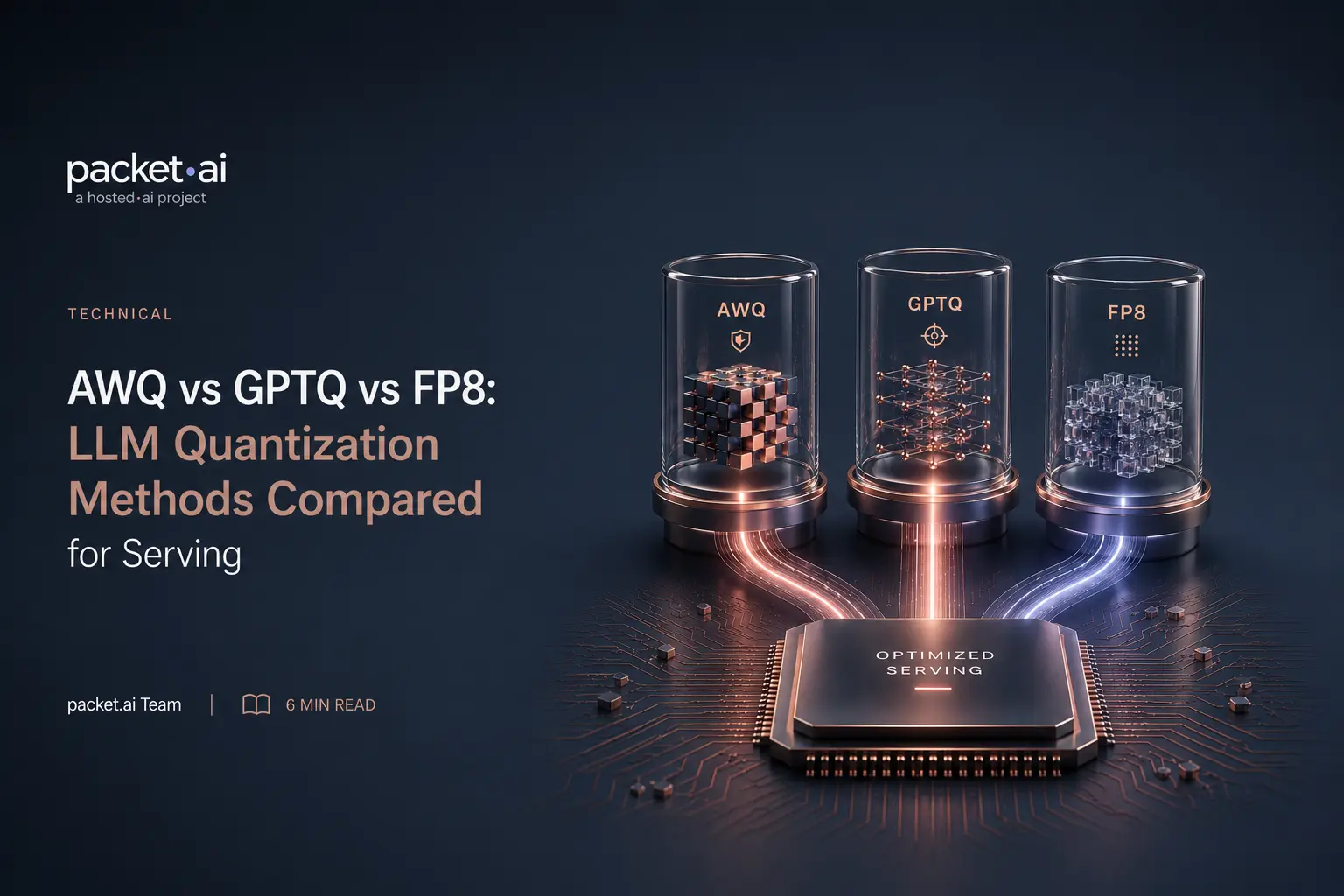
AWQ protects the weights that matter before quantizing. GPTQ quantizes everything, then corrects the damage. FP8 skips the algorithm. Here is when each one wins.
AWQ and GPTQ are both weight-only quantization methods that shrink model weights to INT4, running on any NVIDIA GPU. FP8 is a different kind of format entirely, native hardware support on Hopper and Blackwell that halves memory while running at roughly double throughput. The right choice depends on what GPU you have and whether a pre-quantized checkpoint for your model already exists. This post compares how AWQ and GPTQ actually work, since that's the part general quantization overviews tend to skip, and covers when each beats the other or loses to FP8 entirely.
Key takeaways
Quantization in general, why reducing weight precision saves memory and what tradeoffs it introduces, is covered elsewhere on this site. This post assumes that context and goes straight to the method level: how AWQ and GPTQ actually decide what to keep and what to compress, how they differ from each other beyond just being "both INT4," and where FP8 fits as a third, structurally different option. For deeper coverage of FP8 itself, including its E4M3/E5M2 sub-formats and GPU throughput figures, see the packet.ai FP8 vs FP16 vs BF16 guide; for a quick reference table of vLLM flags across all three methods, see the quantization section of the vLLM deployment tutorial.
AWQ, short for activation aware quantization, starts from an observation that isn't obvious at first: not all weights in a model matter equally, and protecting roughly 1% of the "salient" ones from quantization error can preserve most of the model's accuracy on its own. The harder question is how to find that 1% without knowing in advance which weights matter.
AWQ's answer is to look at activation magnitude, not weight magnitude. A weight can be numerically small and still be important if it's consistently multiplied by large activation values during inference; conversely, a large weight that only ever meets small activations contributes less to the output. AWQ runs a small calibration dataset through the model, measures which weight channels see the largest activations, and treats those as salient.
Once salient channels are identified, AWQ scales them up before quantizing, which reduces the relative rounding error introduced by fitting a wider range of values into fewer bits, and applies the inverse scale to the corresponding activations so the math stays equivalent. This is the entire mechanism: no gradient computation, no per-weight reconstruction step, no iterative error correction. That simplicity is exactly why AWQ quantizes faster than GPTQ and generalizes well across different domains without overfitting to whatever calibration data happened to be used.
GPTQ takes a structurally different approach: rather than deciding in advance which weights to protect, it quantizes every weight and then mathematically corrects for the error each quantization step introduces, one column at a time, within each layer.
The process is sequential. GPTQ quantizes one column of a weight matrix, measures the reconstruction error that introduced, and updates the remaining unquantized columns in that layer to compensate, before moving to the next column. The key detail is how it decides the size and direction of that compensation: it uses the Hessian of the layer's reconstruction error, computed from calibration data, which captures how sensitive the layer's output is to changes in each weight. This lets GPTQ make an informed correction rather than a naive one, at the cost of computing and inverting that Hessian for every layer.
This is meaningfully more computationally expensive than AWQ's approach, but it's still far cheaper than retraining. In the original GPTQ paper, the method quantized OPT-175B, a 175-billion-parameter model, in roughly four GPU-hours. GPTQ typically processes one full Transformer block (several layers) at a time to keep the Hessian computations manageable, then feeds that block's quantized output forward to calibrate the next one.
Both AWQ and GPTQ are weight only quantization methods: they quantize LLM weights to INT4 and leave activations at full precision, running on any NVIDIA GPU, no Hopper or Blackwell requirement the way FP8 has. Both need a small calibration dataset. Beyond that, the practical differences come directly from the mechanism gap above.
⚡ Note on tooling
If you're quantizing a model yourself rather than using a pre-quantized checkpoint, the tooling has moved. AutoAWQ is no longer maintained; llm-compressor is the current path for producing AWQ checkpoints. AutoGPTQ was archived in April 2025; GPTQModel is the drop-in replacement, and it also enables vLLM's Marlin and Machete kernels for better serving throughput on both Ampere and Hopper GPUs. A lot of older tutorials still reference the deprecated tools.
In practice, checkpoint availability often decides this before the theoretical comparison matters. AWQ has become the more commonly published community format for popular open models, so an AWQ checkpoint frequently already exists where a GPTQ one doesn't, and vice versa for some model families. Quantizing from scratch is straightforward with either tool, but starting from an existing checkpoint is faster and lower-risk than reproducing someone else's calibration run.
FP8 isn't a competing algorithm in the same sense as AWQ or GPTQ; it's a different kind of format decision entirely. The FP8 vs AWQ question is really a hardware-generation question first: AWQ and GPTQ are algorithms that decide how to compress existing BF16 or FP16 weights down to INT4. FP8 is a native floating-point format that Hopper and Blackwell GPUs execute directly in hardware through NVIDIA's Transformer Engine, no weight-compression algorithm required at all beyond standard calibration.
That difference has real consequences. FP8 needs no separate quantization tool, no Hessian computation, no activation-magnitude analysis; the framework handles calibration and the hardware handles execution. But it only runs on H100, H200, or B200; A100 and older GPUs get none of it. AWQ and GPTQ run on any NVIDIA GPU, including A100 and older, which is the entire reason weight-only INT4 quantization still matters even as Hopper and Blackwell adoption grows.
For a full breakdown of FP8's own sub-formats, GPU throughput numbers, and mixed-precision training details, the FP8 vs FP16 vs BF16 guide covers that in depth; this post treats FP8 as the third branch of the decision rather than repeating that ground.
Choose FP8 when
Choose AWQ when
Choose GPTQ when
None of these are mutually exclusive with hardware you already have. The GPU generation you're running on rules FP8 in or out immediately; only after that does the AWQ-versus-GPTQ choice come down to checkpoint availability and how much quantization time you're willing to spend.
Testing which quantization method actually performs best on your workload means running the same model three different ways and comparing real throughput and quality, not benchmark numbers from someone else's hardware. H100 and B200 instances support all three approaches, including FP8, so the comparison can happen on the same hardware you'd actually deploy on rather than extrapolating from a different GPU generation. packet.ai's Dynamic tier bills hourly rather than requiring a fixed allocation, which makes it a practical place to spin up an AWQ checkpoint, a GPTQ checkpoint, and an FP8 configuration in sequence and compare them directly before committing to one.
Last reviewed: August 7, 2026. For FP8's own mechanics and GPU throughput figures, see the FP8 vs FP16 vs BF16 guide. For a quick vLLM flag reference across all three methods, see the vLLM deployment tutorial.
Same models. Same API. Fraction of the cost. Start free — no credit card required.
Start Building →