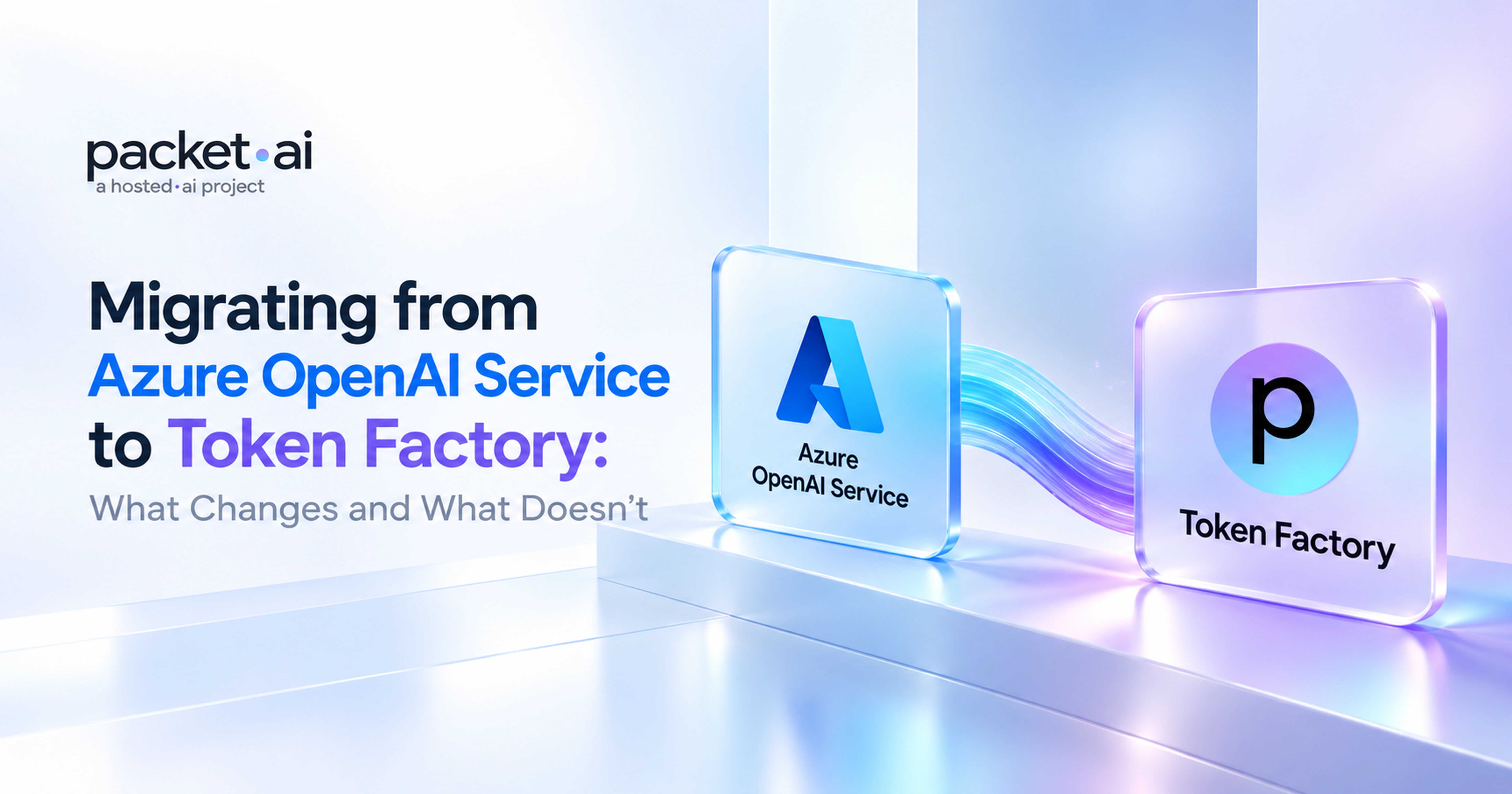
Azure OpenAI teams hit different migration friction: deployment names route to custom IDs, Entra ID tokens need full replacement, and the mandatory filter layer blocks prompts standard API users never see.
Moving from Azure OpenAI Service to Token Factory is not a two-line change. Azure has four platform-specific abstractions that raw OpenAI API users never touch. Each one breaks silently if you miss it.
Key takeaways
model= param points to a deployment you named (like gpt4o-prod), not a canonical model ID. Token Factory uses standard model strings.https://cognitiveservices.azure.com/.default. That scope is Azure-only. Replace the whole token provider with a static API key.AzureOpenAI() for OpenAI(), drop api_version, and you're done with the client.azure.ai.inference) retired on 26 August 2026. If you're still on it, the migration is unavoidable regardless of where you're going.Most teams coming off Azure hit the same four surprises in the same order. This guide walks through each one with working before-and-after code. No theory, just the actual diffs you need.
If you're coming from the raw OpenAI API rather than Azure, that's a simpler migration covered in the OpenAI-compatible endpoint migration guide. This one is specifically for the Azure-specific abstractions that guide skips.
What changes
AzureOpenAI() to OpenAI()azure_endpoint to base_urlapi_version entirelycontent_filter_results field goneWhat stays the same
messages array (role, content)tool_calls responseopenai Python SDK itselfA single-service application with key-based auth takes 2 to 4 hours. A multi-service codebase with Entra ID spread across teams takes 1 to 3 days. The checklist at the end maps every step.
On the raw OpenAI API, model="gpt-4o" routes to a specific model. On Azure OpenAI, that same parameter routes to a deployment you created yourself in Azure AI Foundry, named whatever your team decided, like gpt4o-prod or chat-v2. Token Factory, like every other OpenAI-compatible endpoint, expects the canonical model string back.
This is the change that fails silently. If your deployment is named gpt4o-prod and you send that to Token Factory, you'll get a model-not-found error, not a helpful message about deployment names. Find every instance before you change anything:
Watch out
Microsoft's own docs use deployment names like gpt-4o in examples, which look identical to model names. Production deployments almost never match. Don't assume yours do.
# Find all AzureOpenAI client instantiations
grep -rn "AzureOpenAI\|azure_endpoint\|api_version\|azure_ad_token" . --include="*.py"

# Find model= values that are likely deployment names, not canonical model IDs
grep -rn 'model=' . --include="*.py" | grep -v "gpt-4o\|gpt-4\|llama\|mistral\|claude\|text-embedding"

# Flag any azure.ai.inference usage (SDK retired 26 Aug 2026)
grep -rn "azure\.ai\.inference\|ChatCompletionsClient" . --include="*.py"If your team uses Entra ID, the token provider is the biggest piece of engineering debt in this migration. Entra tokens for Azure OpenAI data-plane calls must be scoped to https://cognitiveservices.azure.com/.default. That scope is specific to Azure Cognitive Services and won't resolve against any other endpoint, including Token Factory. The fix is to remove the token provider entirely and replace it with a static key.
# BEFORE: Entra ID auth
from openai import AzureOpenAI
from azure.identity import DefaultAzureCredential, get_bearer_token_provider

token_provider = get_bearer_token_provider(
    DefaultAzureCredential(),
    "https://cognitiveservices.azure.com/.default"
)

client = AzureOpenAI(
    azure_endpoint="https://my-resource.openai.azure.com",
    azure_ad_token_provider=token_provider,
    api_version="2024-10-21"
)

response = client.chat.completions.create(
    model="gpt4o-prod",   # deployment name, not a model name
    messages=[{"role": "user", "content": "Hello"}]
)

# AFTER: Token Factory
from openai import OpenAI

client = OpenAI(
    base_url="https://api.token-factory.packet.ai/v1",
    api_key="tf-your-api-key"
)

response = client.chat.completions.create(
    model="your-chosen-model",  # check Token Factory docs for available models
    messages=[{"role": "user", "content": "Hello"}]
)
# BEFORE: Azure key-based auth
from openai import AzureOpenAI
client = AzureOpenAI(
azure_endpoint="https://my-resource.openai.azure.com",
api_key="your-azure-api-key",
api_version="2024-10-21"
)
# AFTER: Token Factory (three lines become two)
from openai import OpenAI
client = OpenAI(
base_url="https://api.token-factory.packet.ai/v1",
api_key="tf-your-api-key"
)Six environment variables out, two in:
# Remove
AZURE_OPENAI_API_KEY
AZURE_OPENAI_ENDPOINT
AZURE_OPENAI_API_VERSION
AZURE_CLIENT_ID
AZURE_TENANT_ID
AZURE_CLIENT_SECRET

# Add
OPENAI_BASE_URL="https://api.token-factory.packet.ai/v1"
OPENAI_API_KEY="tf-your-api-key"
Note
If your security policy requires short-lived credentials, store the Token Factory key in your existing secrets manager: Azure Key Vault, AWS Secrets Manager, HashiCorp Vault, whatever you're already using. Rotate it on the same schedule as your other API keys. You don't need a new system.
With OPENAI_BASE_URL and OPENAI_API_KEY set, calling OpenAI() with no arguments picks them up automatically. No per-client config across your codebase.
Azure OpenAI runs two filter layers. The outer one is configurable: you set thresholds for violence, self-harm, hate speech in Azure AI Foundry. The inner one is mandatory, non-configurable, and runs regardless of what you set on the outer layer. The inner layer is what produces "I cannot assist" responses on completely legitimate prompts. Microsoft's own support docs confirm it: medical appointment booking, job portal queries, and security research tasks have all been documented as false positives from this layer.
On Azure, your two options when it fires on a real prompt are: disable Prompt Shields in the configurable policy (which helps but doesn't fully remove the inner layer), or apply for an exemption at aka.ms/oai/modifiedaccess. Neither is fast. Token Factory doesn't have this secondary layer. Models run with their own built-in safety tuning. Prompts that returned filter refusals on Azure typically complete without issue.
If any of your code checks finish_reason == "content_filter" or reads content_filter_results, remove or guard those branches. They'll throw a KeyError or AttributeError in production if you leave them in.
The current Azure OpenAI v1 endpoint is https://<resource>.openai.azure.com/openai/v1/. This format (GA since August 2025) dropped the mandatory api-version query parameter and lets you use the standard OpenAI() client for key-based auth instead of AzureOpenAI(). Token Factory uses a flat /v1/chat/completions path with no Azure-specific segments.
Note
If your codebase uses azure.ai.inference or ChatCompletionsClient, that SDK retired on 26 August 2026. The rewrite is unavoidable regardless of where you migrate. Since the target is OpenAI() either way, the Token Factory migration and the SDK rewrite are the same task.
There's no one-to-one equivalency between GPT-4o and any open weight model. What you're looking for is a model that handles your specific workload well, not one that scores similarly on a generic leaderboard. Use this as a starting point for your evaluation, then run your actual prompt set before cutting over traffic.
Run 50 to 100 real production prompts against your actual success criteria before cutting over traffic. Leaderboard scores are not your eval set. For a cost breakdown across providers, the Token Factory vs Groq vs Together AI comparison covers per-million-token pricing side by side. For tool calling compatibility, see the guide on function calling on self-hosted open weight models.
For details on supported models and endpoints, check the Token Factory overview before you write any migration code.
The Chat Completions request and response schema is identical across every OpenAI-compatible endpoint. Your messages array, temperature, max_tokens, top_p, stream, and tools parameters work without changes. System prompts, few-shot examples, and tool definitions carry over as-is.
Streaming works the same way: same SSE format, same data: [DONE] sentinel, same chunk structure at choices[0].delta.content. The openai Python library is the same package on both sides; only the constructor arguments change. Tool calling uses the same tools parameter schema and tool_calls response field.
Note
Assistants, Threads, Files, and PTU provisioned throughput have no equivalents on an OpenAI-compatible endpoint. Chat Completions is a clean swap. Anything built on the Assistants API needs separate planning.
Token Factory handles the managed inference layer. Teams that want to run their own checkpoints (fine-tuned models, specific quantizations, internal data that can't leave your infrastructure) can deploy vLLM or SGLang on packet.ai GPU clusters and get the same OpenAI-compatible API surface.
A B200 at $3.75/GPU-hr gives you 192 GB HBM3e per card. A 70B parameter model in FP16 fits across two GPUs with room left for KV cache at production batch sizes.
vLLM exposes a /v1/chat/completions server out of the box. The migration code from above applies directly: swap base_url to your cluster IP, set a placeholder API key if you're not enforcing auth internally, and use the model ID you launched vLLM with. Full setup in the vLLM deployment guide on packet.ai.
# Launch vLLM on a packet.ai cluster (vLLM >= 0.8)
vllm serve your-org/your-model-name \
  --tensor-parallel-size 2 \
  --port 8000

# Same client pattern as Token Factory
from openai import OpenAI

client = OpenAI(
    base_url="http://your-cluster-ip:8000/v1",
    api_key="EMPTY"  # vLLM does not enforce auth by default
)

response = client.chat.completions.create(
    model="your-org/your-model-name",
    messages=[{"role": "user", "content": "Hello"}]
)A standard Azure OpenAI to Token Factory migration takes 2 to 4 hours for a single-service application, or 1 to 3 days for a multi-service enterprise codebase with Entra ID spread across teams.
Pre-migration audit:
AzureOpenAI, azure_endpoint, api_version, azure_ad_token_providercontent_filter_results and finish_reason == "content_filter"azure.ai.inference or ChatCompletionsClient (retired 26 Aug 2026)Code changes:
AzureOpenAI() with OpenAI(base_url=..., api_key=...)api_versionazure.identity imports and token providercontent_filter_results codeOPENAI_BASE_URL and OPENAI_API_KEY inValidation:
For teams migrating from the raw OpenAI API rather than Azure, the OpenAI-compatible endpoint migration guide covers that case. For self-hosted inference on packet.ai, the vLLM deployment guide walks through setup end to end, or browse cluster options to find the right GPU tier for your workload.
Last reviewed: 30 September 2026. GPU pricing verified from packet.ai/pricing. Azure OpenAI endpoint format and Entra ID auth scope verified against Microsoft official documentation. For multi-node GPU cluster requirements, request a wholesale quote.
Same models. Same API. Fraction of the cost. Start free — no credit card required.
Start Building →