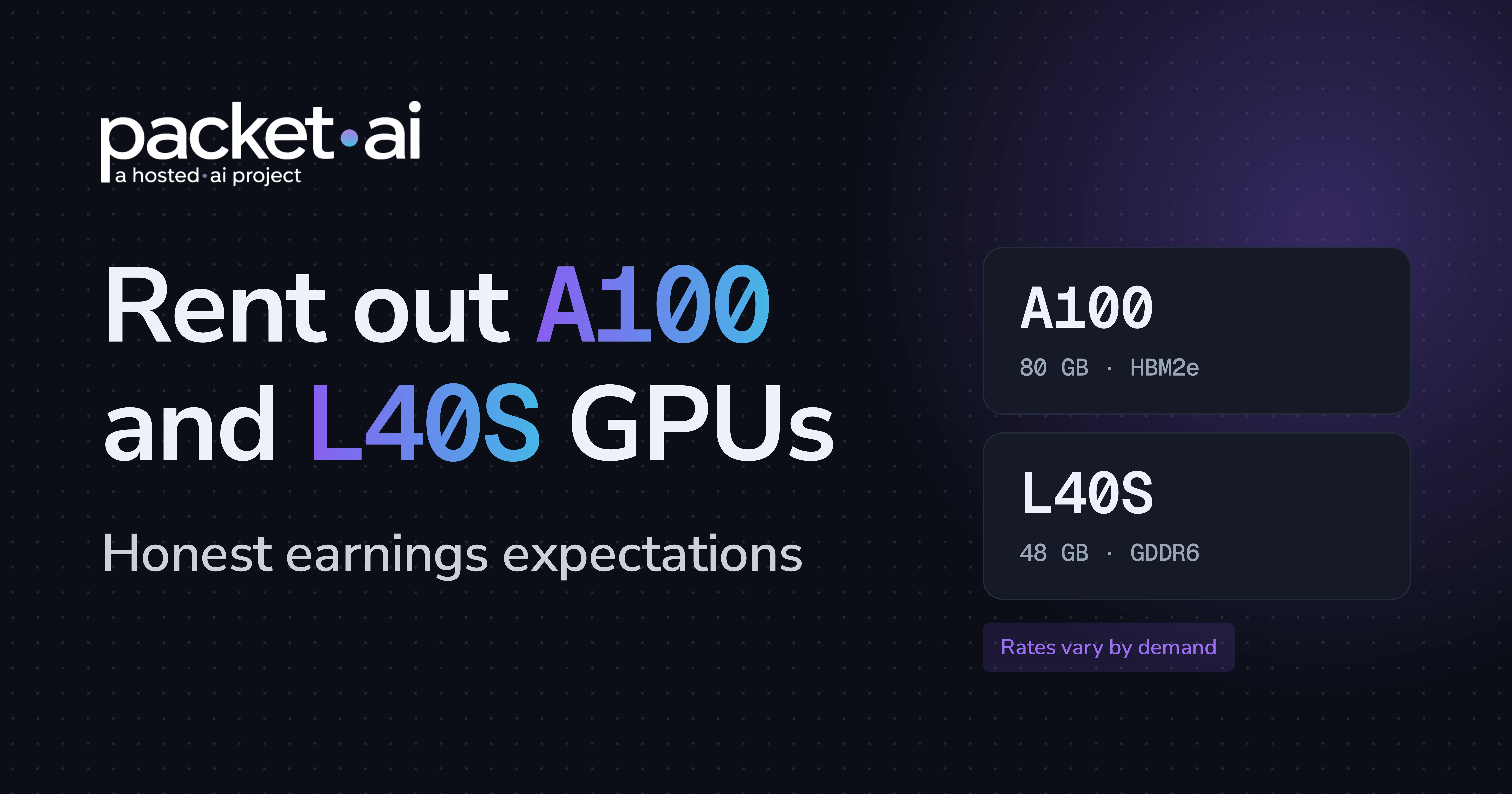
Rent out A100 hardware and you will not earn B200 money, but older cards can still pay. Here is the power math to run before you apply, with dated prices.
You can rent out A100 and L40S GPUs profitably only if utilization and your share of billed revenue cover power, hosting and hardware payback, because customers pay $1.43/hr for a dedicated A100 80GB and $0.92/hr for a dedicated L40S on packet.ai (checked 21 October 2026).
Key takeaways
Older data-center GPUs get written off early, usually by people who do not rent them out. An A100 with 80 GB of memory and an L40S with 48 GB still fit a large share of real inference and fine-tuning work. This guide is for GPU owners with no cloud of their own, including miners moving hardware into AI work, and it gives dated prices, the power math and the cases where hosting does not pay. For the wider provider overview, start at the packet.ai GPU supplier hub.
Buyers pay for memory that fits their model at a price that fits their budget, and an A100 80GB and an L40S both clear that bar for a large share of inference and fine-tuning jobs.
The specs explain why. NVIDIA lists the A100 80GB with about 2 TB/s of memory bandwidth and a maximum power of 400 W in SXM form or 300 W in PCIe form (see the NVIDIA A100 datasheet). The NVIDIA L40S has 48 GB of GDDR6 with ECC and a 350 W maximum.
Weight memory is parameters times bytes per parameter, so a 13B model in FP16 needs about 26 GB and a 70B model at 4-bit needs about 35 GB. A 70B model in FP16 needs about 140 GB, which is more than one 80 GB card holds.
packet.ai accepts both cards from providers and places them in its standard tier, which its provider page describes as solid returns pricing. That label is a positioning statement, not an income figure, and fleet-wide utilization numbers are not a promise for any single GPU model. Treat demand for your card as an assumption to test, and run your own numbers in the packet.ai provider earnings calculator.
An A100 80GB suits fine-tuning and larger-model inference where memory decides the job, and an L40S suits 7B to 13B inference, image generation and video work where price per hour decides it.
NVIDIA positions the L40S for generative AI, LLM inference, small-model training and fine-tuning, plus 3D graphics, rendering and video. The A100 has more than twice the memory bandwidth of the L40S (about 2 TB/s against 864 GB/s), which matters when decoding large models because each generated token reads the weights from memory.
Specs from the NVIDIA A100 datasheet and NVIDIA L40S product page. Fit estimates are arithmetic on weights only and exclude KV cache and framework overhead.
The practical split follows memory. If a buyer's model weights sit near or above 48 GB, the L40S is out and the A100 is the cheaper way to get 80 GB. If it fits comfortably in 48 GB, the L40S often wins on hourly price.
As of 21 October 2026, packet.ai lists a dedicated A100 80GB at $1.43/hr and a dedicated L40S at $0.92/hr, against $6.99/hr for a dedicated B200, so each hour of an older card brings in less revenue and you need more occupied hours to match a newer one.
Source: the packet.ai pricing page, A100 page and L40S page, checked 21 October 2026. Competitor figures are the starting rates shown in packet.ai's own comparison table, not independently verified. Prices change, so confirm before you plan.
Only the dedicated plan shows A100 and L40S rates on 21 October 2026, and packet.ai's pricing page currently shows a waitlist for both cards. Renters are signing up and capacity is what is missing, which is the gap new providers would fill. The public rate card places the A100 in EU (Frankfurt) and the L40S in US East (Virginia), so ask which regions need capacity before you choose a site. The dynamic plan lists both cards as launching soon.
Note
Everything in these tables is what customers pay, so it caps A100 hosting revenue and L40S rental income for hourly rentals. packet.ai says providers earn the majority of customer-billed revenue after platform fees, with rate cards shared during onboarding. Ask for the A100 and L40S rate card in writing before you move hardware.
You may have seen packet.ai's $2.84/GPU/hr blended provider average in the provider guide. That figure averages every GPU type, including B200, so it is not an A100 or L40S payout. For hourly dedicated rentals, a payout is a share of the customer rate, which is $1.43/hr for the A100 and $0.92/hr for the L40S, so it sits below those rates.
Lower price can widen the set of buyers, but nothing on packet.ai's public pages promises occupancy for a specific GPU model, so do not count on volume to make up the rate gap. Model three cases instead: 40, 60 and 80 percent utilization.
Customer-billed revenue per GPU per 730-hour month at the dedicated hourly list rate, before platform fees. Your payout will be lower.
At 60 percent utilization and the 21 October 2026 list rate, a dedicated A100 80GB bills customers about $626 per month and a dedicated L40S about $403, before platform fees.
It stops making sense when occupied hours times your share of the rate no longer covers power, facility costs and hardware payback, and for most owners the binding constraint is utilization and facility fees rather than electricity.
Good fit if
Poor fit if
Our view: if you cannot name your all-in monthly cost per GPU today, do not apply yet. Get that number first, then let the formula below tell you whether the plan works.
If you are coming from mining, power discipline and uptime habits transfer well. Consumer-grade hardware setups do not. packet.ai says it does not accept home-lab or consumer-grade setups, so the location and build of your hosts matter as much as the GPU model.
At full load with a 1.5x system overhead, electricity costs about $0.04 to $0.18 per GPU-hour across $0.08 to $0.30 per kWh, so power alone breaks even below 18 percent utilization even if you kept every billed dollar.
The 1.5x overhead sits inside the range packet.ai's calculator gives for a typical 8-GPU server, which draws 1.3 to 1.8 times its GPU power at the wall before facility cooling. The table uses each card's maximum power for all 730 hours of a month, which overstates the bill because idle cards draw less.
For scale, the US Energy Information Administration reported national averages of 13.54 cents per kWh for commercial and 8.71 cents for industrial customers in May 2026 (see the EIA Monthly Energy Review). The $0.20 and $0.30 columns stand in for high-cost regions and for markets outside the US, so replace them with your own tariff.
Electricity per GPU at maximum power with a 1.5x system overhead, 730 hours per month. Electricity rates are example inputs, not quotes. Replace them with your own tariff.
At 400 W, a 1.5x system overhead and $0.12 per kWh, an A100 SXM costs about $0.07 per hour in electricity, roughly 5 percent of the $1.43/hr customer list rate.
Use this formula with your own numbers:
break-even utilization = (monthly power + other monthly cost per GPU) / (hourly rate x 730 x your share of billed revenue)Take an A100 SXM at $0.12 per kWh, which is $88 a month in power, and add a placeholder $100 a month for space and cooling (use your own invoice). Break-even utilization is about 18 percent if you kept all billed revenue and about 26 percent if you kept 70 percent. The same inputs on an L40S give about 26 percent and 38 percent. The 70 percent share is an illustration, not a packet.ai figure.
For the same method applied to Hopper and Blackwell cards, see H100 or B200 GPU rental income: the utilization math.
If your constraint is kilowatts rather than rack slots, compare revenue per kilowatt-hour at list rate, before your share and overhead. That is about $3.57 for an A100 SXM, $4.77 for an A100 PCIe and $2.63 for an L40S.
Note
This math leaves out hardware payback. Payback in months = purchase cost / (monthly revenue you keep - monthly power - monthly facility cost). If that is longer than you expect to host, the plan does not pay. Calculator outputs, including packet.ai's, are planning estimates and not guaranteed demand.
Apply on the packet.ai provider page with your host details. Applications are reviewed within 2 business days, and packet.ai says the path from application to first revenue is typically under seven days.
You need 1 Gbps or faster networking, redundant power (N+1 is ideal), stable cooling, capability for 99 percent or better uptime and hosts running Ubuntu Server 22.04 or 24.04 LTS. Every node is tested before it takes public traffic, including a 24 to 48 hour stress test, and packet.ai onboards the hardware operator, not resellers or brokers. There are no long-term contracts and no penalty for withdrawing. If you also hold H100s, see the packet.ai H100 supply page.
Last reviewed: 21 October 2026. Prices come from packet.ai's pricing, dedicated, dynamic and GPU pages on that date, and power figures use NVIDIA's published maximum power. Ready to host? Apply with an A100 or L40S, or check your own power costs first in the provider earnings calculator.
Hosting a different card? See Rent out RTX PRO 6000: which buyers want it and how to list.
Same models. Same API. Fraction of the cost. Start free — no credit card required.
Start building →